Zoho CRM Consulting: What It Actually Covers and Why It’s Easy to Get Wrong

Introduction
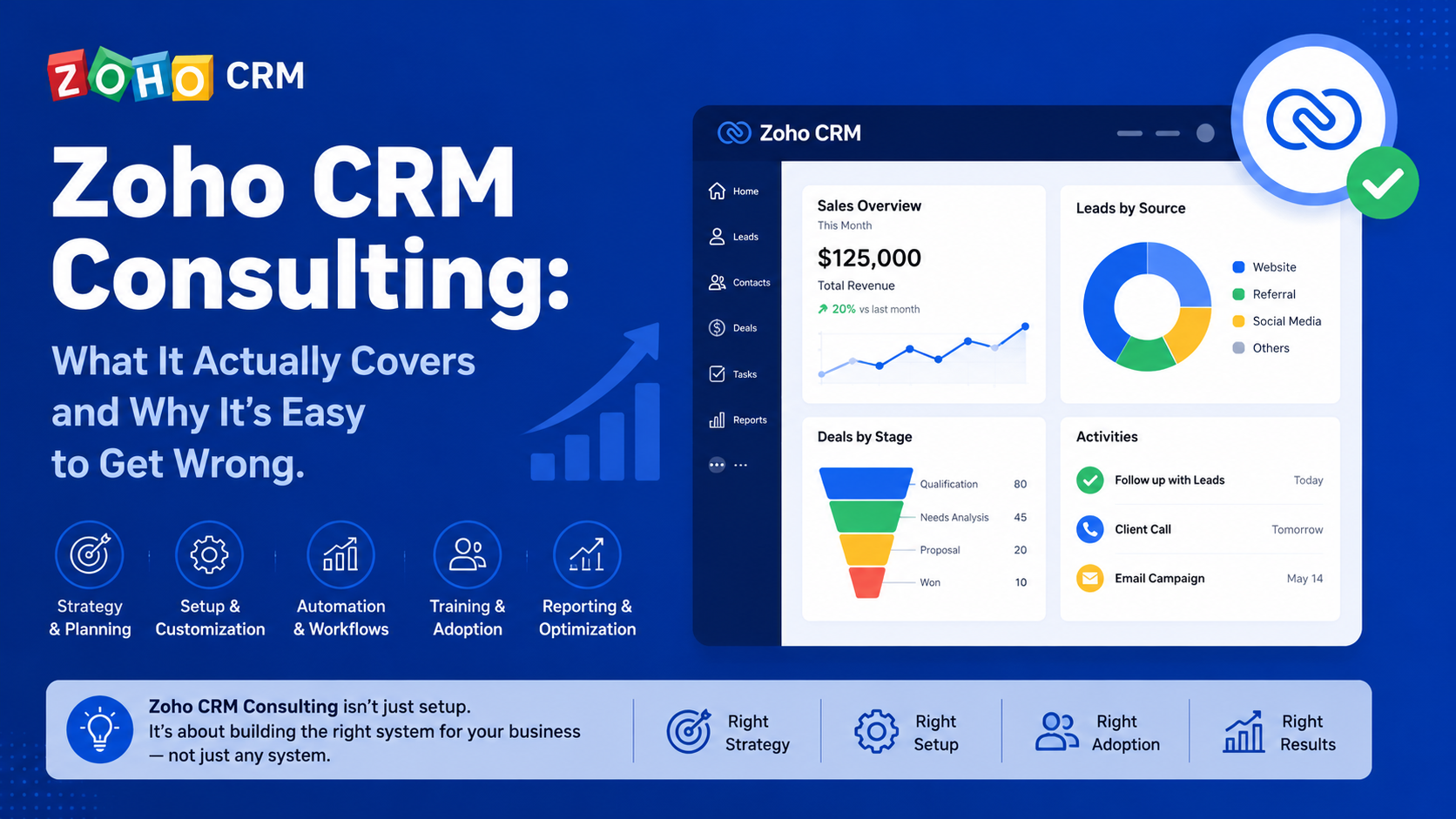
Zoho CRM consulting includes collaborating with a consultant who configures and customizes the Zoho CRM platform for you, instead of simply going with the default settings which may not suit your particular business process.
It may appear like a pretty straightforward proposition; however, the many configuration levels that exist in the Zoho universe often catch businesses off guard when it comes to external expertise.
Why Zoho CRM Consulting Is More Complex Than It Appears
It should be noted that the configuration of the Zoho CRM is not a uniform procedure but a composite one, which consists of:
- CRM core configuration (modules, fields, layouts)
- Automations and Blueprint processes
- Integration with other Zoho and third party applications
Some companies try implementing themselves using templates, but many opportunities of automation and customizations remain unexploited in this case.
In case a company has a complex sales/service process, the configuration should be done separately for each step of the process as a standard configuration usually does not correspond to the work of a particular team.
Major Areas of Zoho CRM Consulting
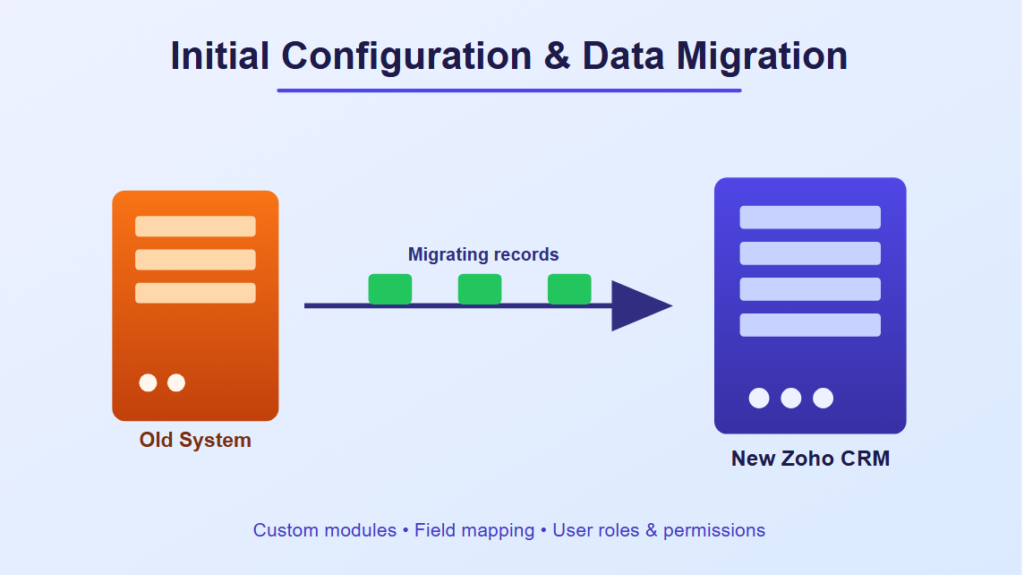
Initial Configuration and Data Migration
Rules Governing
- Creation of custom modules and fields
- Migration of data from the old system
- User roles and permissions management
Mismanaged migration process is one of the most common and expensive problems because it could lead to:
- Duplication or incompleteness of the customers’ data
- Loss of historical data during the transition
- User confusion due to changes in the system structure
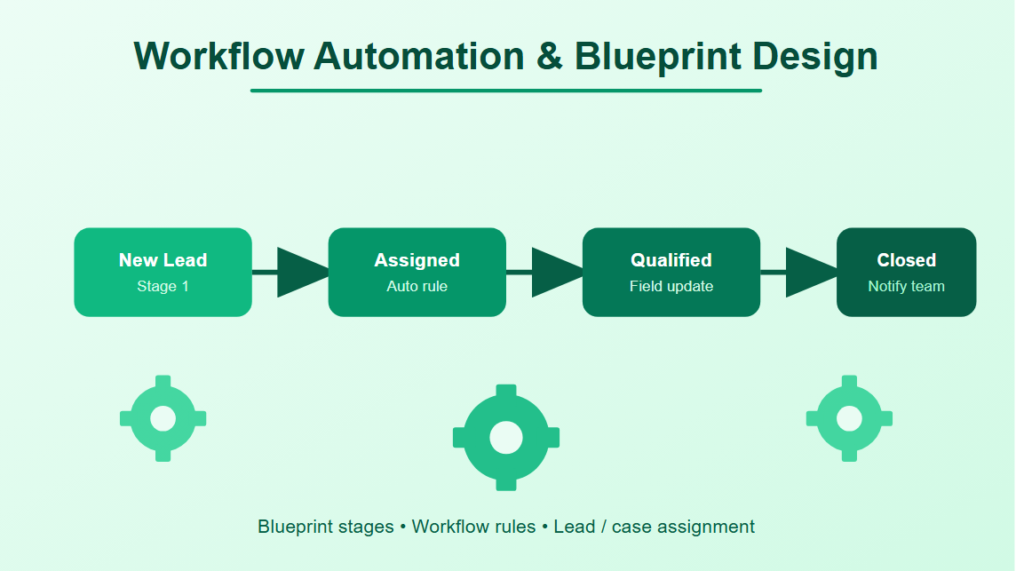
Workflow Automation and Blueprint Design
Zoho CRM consultants usually create automation rules, which mean that processes must be executed with repetitive and standard procedures.
Automation Design Often Includes
- Process blueprint with standard process steps for each step
- Workflow rules that send notifications or update fields
- Lead/case assignment rules
Third-Party and Zoho App Integrations
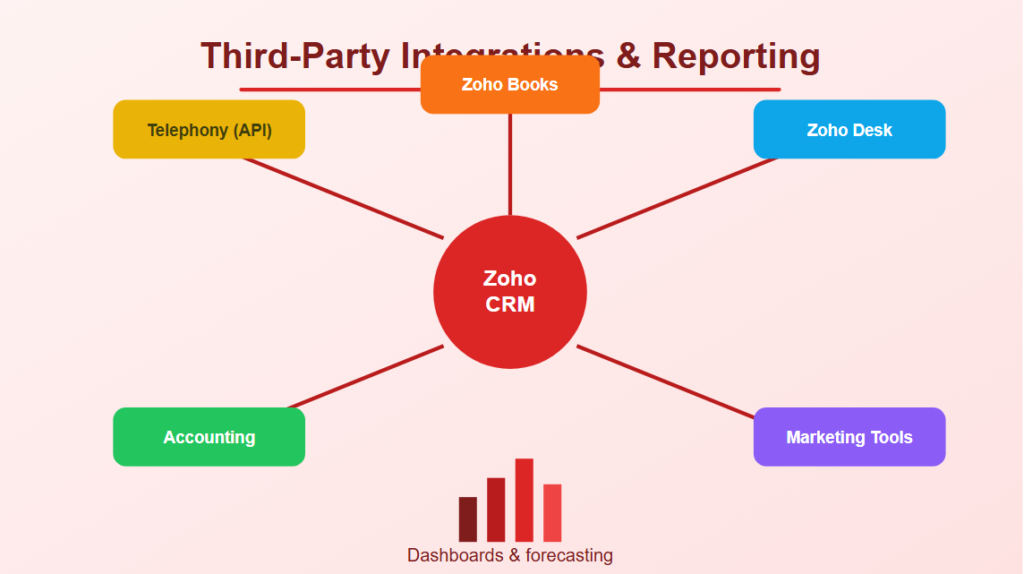
Involves more than just the environment surrounding Zoho; but the increasing need to be integrated with third party applications as well, for example, accounting software, marketing tools, or telephony systems.
Integration Work Usually Involves
- Connects with other systems through APIs
- Connects with other Zoho applications such as Zoho Books or Zoho Desk
- Specialized functions for specialized data sync requirements
Reporting and Analytics Setup
Consultation on Zoho CRM may include:
- Custom report and dashboard development
- Forecasting set-up in accordance with sales stages
- Analytics based on particular KPIs used by a company
The extent of such a setup depends on how dependent a company is on Zoho for decision-making reports.
Ongoing Optimization and Training
There are several Zoho CRM consultancy assignments where a focus on certain aspects is required, such as:
- Training users post implementation
- Reviewing automation performance periodically
- Making changes according to the changing business processes.
The above mentioned attention needs to be paid because the configuration that was apt for the business a year ago might not be anymore.
Why Zoho CRM Implementations Struggle Even With Good Intentions
Underutilization of the capabilities of Zoho is very rare due to the absence of interest in the platform on the part of the organization.
Actually, issues might arise because of:
- Limited time or knowledge required to set up automated functionality by internal employees.
- Self-service relies on generic templates that do not correspond to the real sales process.
- Changes in the organization remain unstated in terms of CRM configuration.
How Businesses Approach Zoho CRM Consulting
Assessing Internal Capability First
For larger companies, they might consider if internal administrators can take care of configuration for those situations where automation can be easy to do.
Consulting Engagements Supporting Complex Needs
Some consultancy services include:
- Designing multi-step Blueprint processes that fit actual workflows
- Creating custom integrations that are not part of the built-in connections
- Migrating data from previous systems
Structured Onboarding and Training
Organizations perform structured rollouts that involve the following:
- Phased deployment as opposed to one-shot deployment
- Training of end-users
- A period set aside for feedback and adjustments after go-live
Structured onboarding allows organizations to ensure that the system configured is adopted, not just implemented properly.
Common Zoho CRM Consulting Mistakes
Skipping a Proper Discovery Phase
Starting to configure without first having a map of the real selling or service process of the business.
Over-Customizing Early
Developing automation before realizing where in the process it really needs to happen.
Neglecting User Training
Thinking that the correctly configured system will simply be used by itself without any user training.
Poor Ongoing Maintenance Planning
Lack of proper provisions for:
- The maintenance of the system after the departure of the consultant
- Implementation of any future changes in the process
- Ensuring that the automation process remains relevant to current needs
Insufficient consideration of future maintenance will result in a perfectly designed system becoming irrelevant to the business.
Bottom Line
Consulting services for Zoho CRM are very diverse and include many different aspects like configuration, data migration, workflow automation, integration, reporting, etc. Taking into account how much wasted capacity there is in self-service scenario, it would be better for companies having complicated processes to spend money on proper discovery and onboarding, not just use default templates.