Manufacturing Project Management Software: What to Look For and Top Options

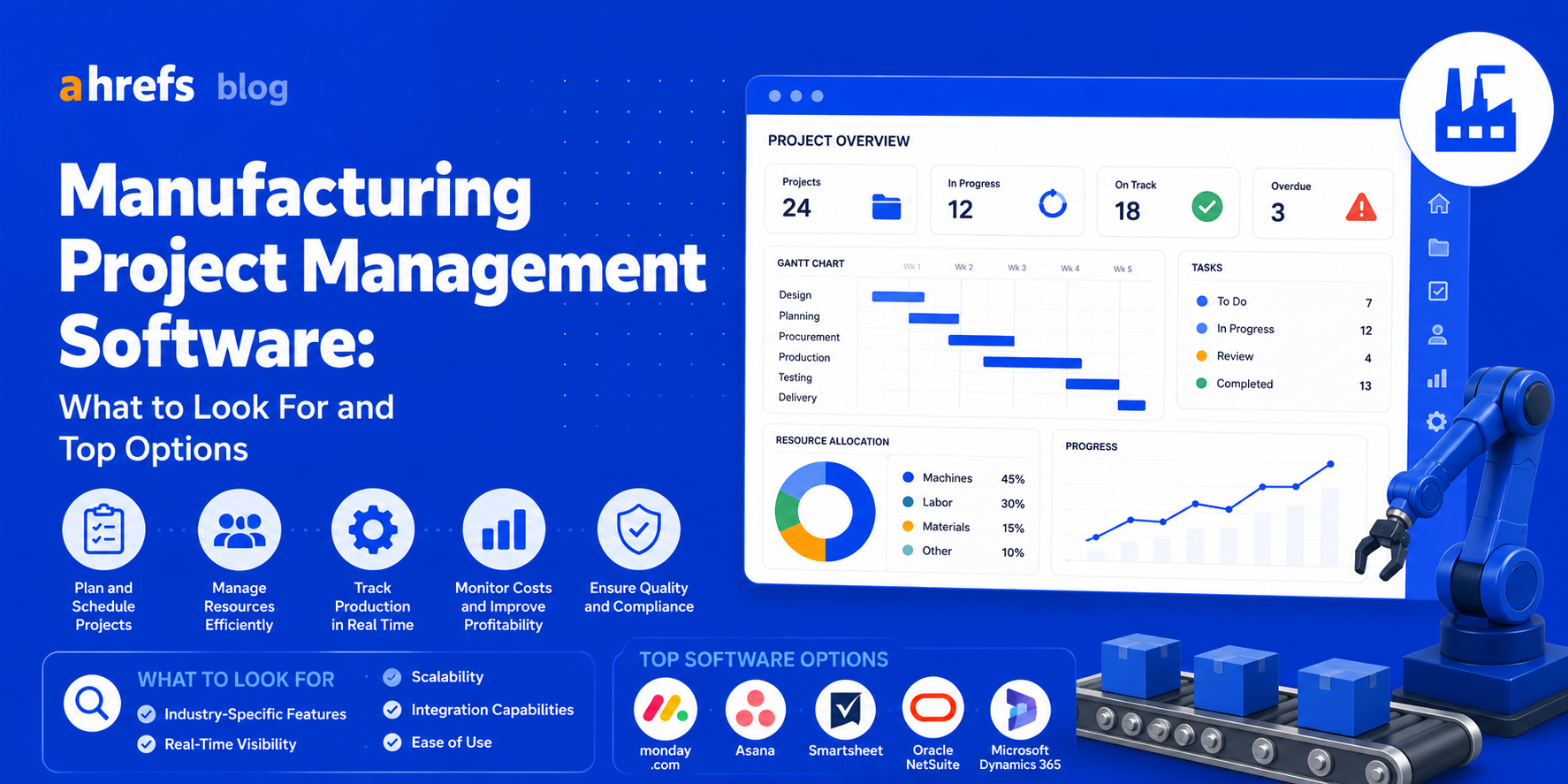
Manufacturing projects fail in different ways from software projects. The supply chain issues, machine down time, scheduling of shifts, and on-floor coordination generate constraints which cannot be effectively managed by generic PM tools. This is what manufacturing project management entails, and the PM tools that effectively manage them.
Table of Contents
- Why Is There A Need For PM Software That Is Specific To Manufacturing?
- Key Requirements For Manufacturing PM Software
- Top Project Management Software For Manufacturing
- ERP or PM Software? What Do You Really Need?
- How To Pick The Right One
- Conclusion
Why Manufacturing Needs Specialized PM Software
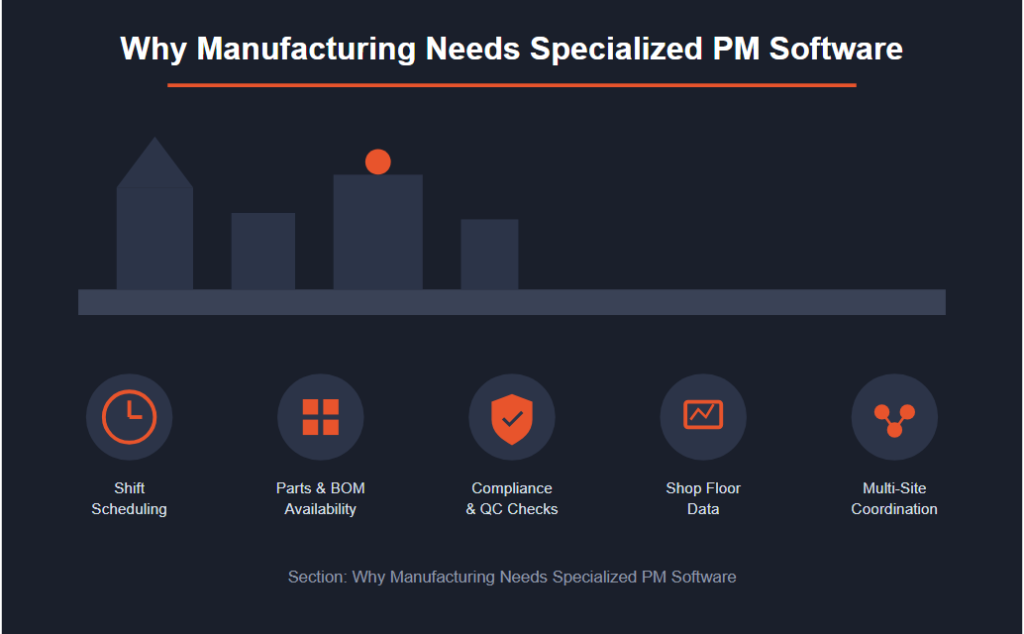
Unlike regular project management software, manufacturing project management needs to consider:
- Scheduling of production linked to machine capabilities and shift work
- Parts availability and bill of materials impacting scheduling of activities
- Compliance and quality checks incorporated into the processes
- Integration with data coming from the shop floor (status of machines, defect rates, etc.)
- Coordination among multiple sites when production takes place in multiple locations
A software tool that is disconnected from the manufacturing process floor can be nothing more than a fancy scheduling spreadsheet.
Must-Have Features for Manufacturing PM
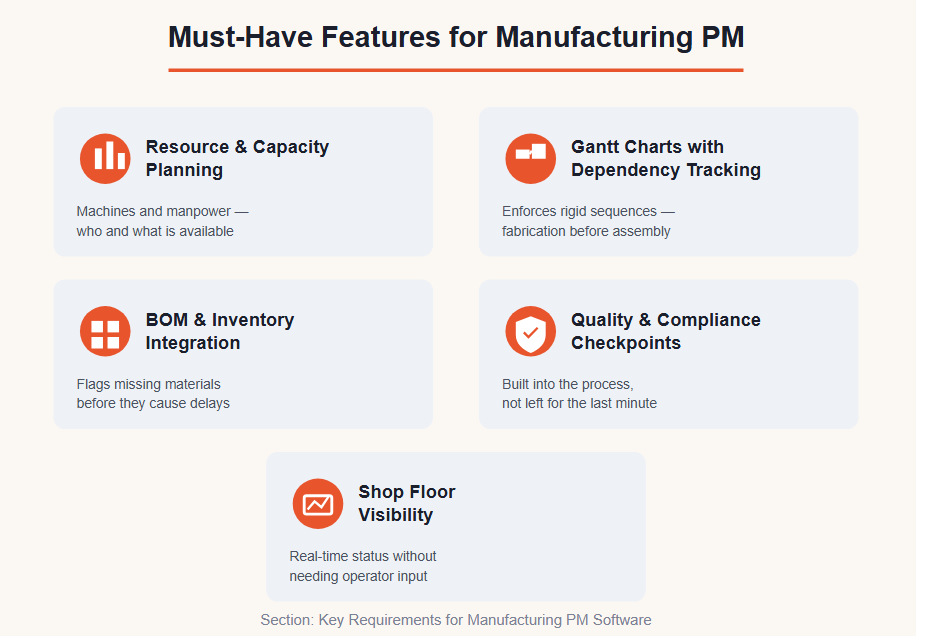
Resource and Capacity Planning
Does the tool know not only who is available but what machines are available and when? Manufacturing Resource Planning requires machine capacity planning as well as manpower planning.
Gantt Charts with Dependency Tracking
There are rigid sequences in manufacturing, which mean you cannot start assembly until fabrication is finished, and you cannot start fabrication until material is available.
BOM and Inventory Integration
The best PM software for manufacturing needs to be able to interface with your inventory system and notify you about missing materials before it causes delays.
Quality and Compliance Checkpoints
In-built quality checkpoints make sure that compliance is not left for the last minute, slowing down the project completion process.
Shop Floor Visibility
Real-time reporting on the shop floor activities (project stage, equipment usage, work in progress) should be available to project managers without any operator intervention.
Best Manufacturing Project Management Software
Prodsmart (by Autodesk)
Excellent connectivity on the shop floor. Employees enter data while still on the shop floor, and the project manager views live production information. Best suited for small to mid-sized discrete manufacturing organizations.
Epicor Kinetic
ERP-integrated software with great capabilities in managing projects and jobs. More appropriate for large manufacturing companies that require project management features within their own Epicor system.
Arena PLM / Arena QMS
Less project-centric but more oriented towards quality management and product life cycle. Also used along with project management tools in industries which require regulatory compliance (medical device and aerospace industries).
Monday.com Work OS (with Manufacturing Templates)
Surprisingly capable for businesses which do not want to integrate their ERP with the system. Monday’s manufacturing template helps with scheduling, quality control, and supplier management. Needs setup but customizable.
Smartsheet
It is widely used in manufacturing industries as it has Gantt-based project tracking features and good integration capabilities with ERP and MES systems. Often a much better choice compared to using the ERP project module for projects that are done parallel to the production process.
ERP vs. Dedicated PM Tools: Which Do You Need?
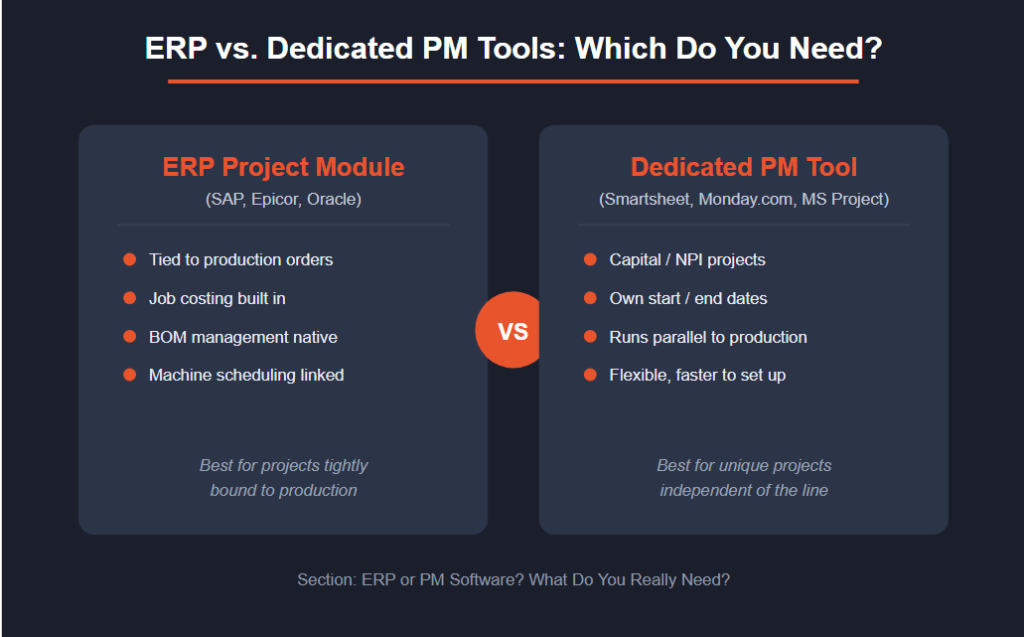
If your manufacturing projects are tightly integrated with production orders, job costing, BOM management, and machine scheduling, then you definitely need to have the project module of your ERP (SAP, Epicor, Oracle) and not some other project management software.
If your projects are more capital projects or NPI focused projects which are unique projects with start-end dates running parallel to but independent of the production process, then a specialized PM software (Smartsheet, Monday.com, or Microsoft Project) would be a much better choice compared to an ERP.
Many mid-sized manufacturing companies use both approaches, ERP for manufacturing processes and specialized PM tools for capital projects.
How to Choose the Right Fit
Think about the following before deciding which tool to use:
- Are my projects contained within production orders or alongside them?
- Is my workforce working out on the shop floor or from their desk, or both?
- Do I require up-to-date information from machines and inventory or is a daily report adequate?
- Am I operating in a regulated industry that requires me to comply with regulations?
This will help you reduce your list of tools.
Final Thoughts
Project management software for manufacturing justifies itself through the removal of the difference between the plan and reality. The software which sees beyond tasks to machine availability, material availability, and shifts will be the software which prevents the delays that regular project management software misses completely. Start by identifying the most severe bottleneck you have now (conflict scheduling, material delay, quality issues), and find the software to solve it.