How to eSign a PDF: What the Process Actually Covers and Why It’s Easy to Get Wrong

Introduction
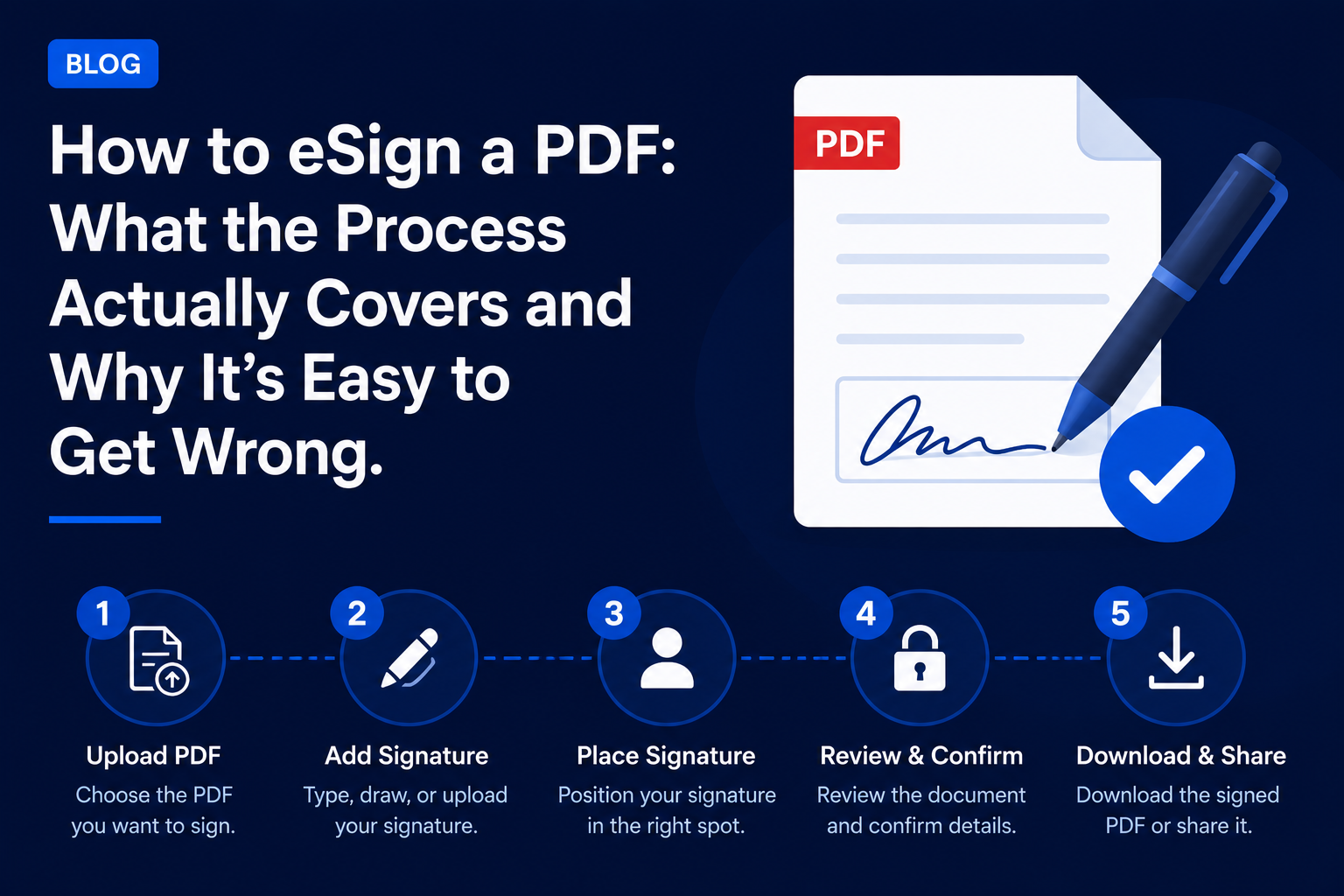
The way one signs a PDF online is dependent upon the software being used, the particular needs of the document, and the degree of legal formalities required, instead of a single process applied uniformly everywhere.
On the surface, it may appear that signing an online document is a fairly straightforward task. But the variety of ways it can be done often leads individuals to overlook what suits them best.
Why eSigning a PDF Is More Complex Than It Appears
Signature of a PDF through eSignature does not follow a uniform methodology but, rather, follows a composite methodology which includes the following:
- Integrated signing tool within the operating system or within the PDF reader software
- eSignature platform software with an audit capability
- The manual way such as print, sign, and scan
Many individuals use the signing methodology that they are most comfortable with and without checking if it is suitable to meet the legal or organizational demands of the document in question, leading to an inadequate documentation process of the signature.
In the case of an individual who is required to sign different types of PDF documents, he/she has to select a suitable signing method for every document.
Major Methods for eSigning a PDF
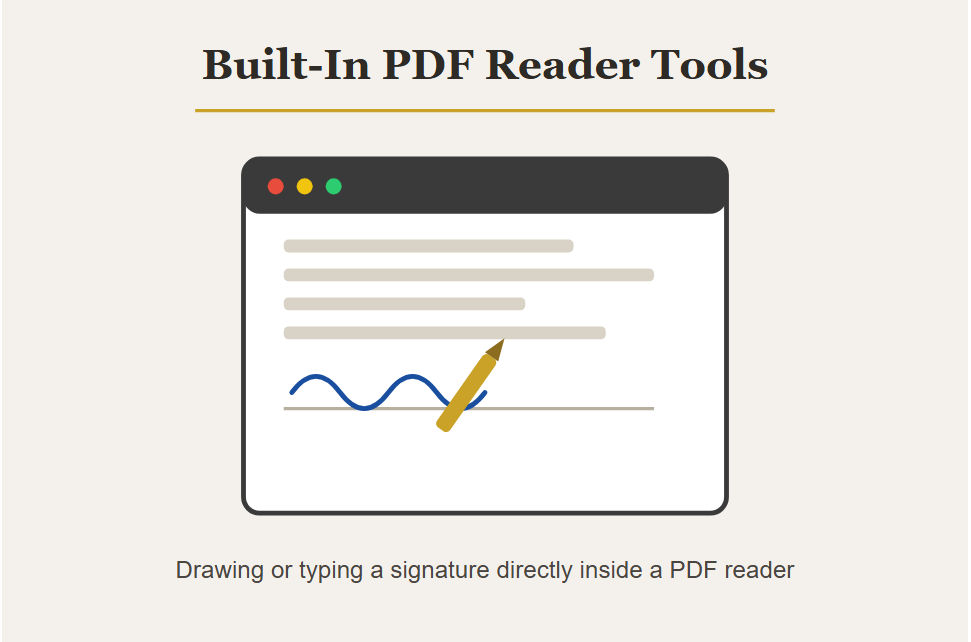
Built-In PDF Reader Tools
Rules Governing
- Using the Fill & Sign utility of Adobe Acrobat Reader
- Signature feature that comes with macOS Preview
- Drawing the signature on the document or writing it
One of the most popular approaches to begin with because it could lead to:
- Convenient signing of non-important documents
- Lack of audit trail showing who signed the document
- Inadequate proof if dispute arises over the signature
Dedicated eSign Platforms
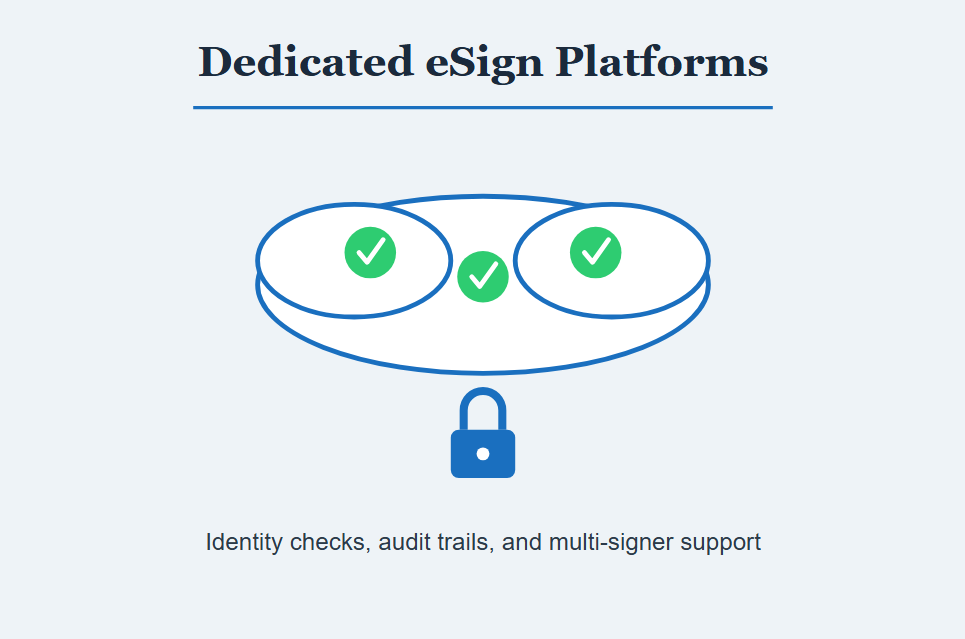
Most e-signature software such as DocuSign, Adobe Sign, etc., have more advanced features that need a user account and in many cases, even a subscription to be able to support all audit trails and multi-signatures.
Dedicated Platform Features Often Include
- Verification of the user’s identity before signing
- Audit trails recording the process of signing
- Ability to support multi-signers
Manual Print, Sign, and Scan
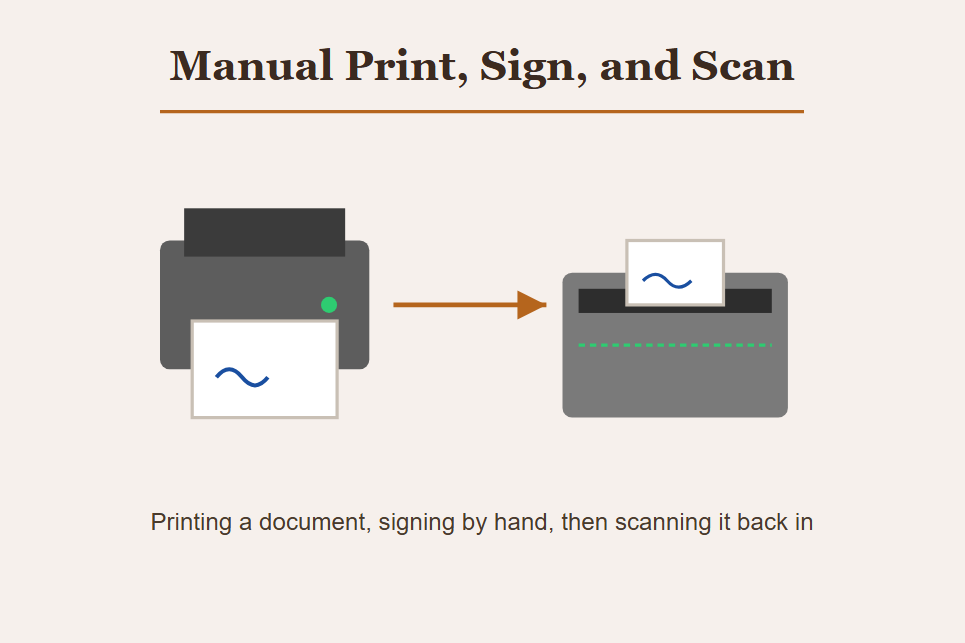
The process includes not only completely digital approaches but also the old method of printing out a PDF, signing it, and then uploading it again to digital format.
This Manual Approach Usually Varies in Many Respects Including
- Time taken in comparison to digital signature
- The quality of the scan of the signature
- If a physical signature is required in some legal documents
Mobile Signing Methods
Signing a PDF document using a mobile device will involve:
- Capturing and signing the PDF using a smartphone camera
- Specialized mobile applications for e-signing software
- Markup capabilities within the mobile operating system
The ease and formality of these options will vary based on the device and application that is used.
Legal Considerations for the Chosen Method
Various e-sign technologies must take into consideration the following elements, such as:
- The need for formality of legal documentation based on the nature of the document.
- Requirements for the validity of electronic signatures in various jurisdictions.
- Collection of evidence showing the signer’s intention and identification.
It is important to consider all these elements, since not all signing processes have the same level of legality when disputed.
Why Choosing the Wrong eSign Method Happens Even With Good Intentions
Problems with the choice of the right eSignature approach rarely come from an intention to skip a few steps.
Actually, problems might arise since:
- It is the best-known or easiest tool that is chosen irrespective of the level of importance of the document.
- One does not know about legal requirements to use certain documents.
- The audit trail is not valued until the signature is disputed.
How to Choose the Right Method to eSign a PDF
Assessing the Document’s Stakes First
Individuals and organizations can use basic in-built mechanisms to sign low-value documents where the enforceability factor does not play a major role.
Practices Supporting Reliable PDF Signing
Some of the ways of ensuring reliable signing include:
- Use of specialized e-signatures for those contracts or agreements which are legally binding
- Retention of audit trail data for all those documents which can be disputed at a future stage
- Compliance with jurisdictional requirements before using a basic signature
Testing the Process Before Relying on It
Those individuals who work with crucial documents carry out a practice session of:
- Making sure that the selected process will yield the necessary documentation
- Checking whether the signed document can show up and store properly on different devices
- Knowing which kinds of proof would be accessible in case of disputes about the signature
The practice allows people to make sure that their selected process is suitable for that specific document.
Common Mistakes When eSigning a PDF
Using Basic Tools for High-Stakes Documents
Placing one’s signature on the document through typing or drawing, where a platform-specific audit trail would be appropriate.
Ignoring Legal Formality Requirements
Assuming that any approach to electronic signature is acceptable regardless of whether that particular type of document requires more.
Skipping Verification of the Final Document
Failing to verify that the signed PDF file has been properly stored and represents the actual signature process as required.
Poor Documentation Retention
Neglecting to:
- Maintain a secure backup copy of the signed document
- Keep an audit record or confirmation email as proof
- Maintain documentation for the appropriate time period as required
Lack of proper documentation storage could mean not having sufficient proof of the signature if challenged in the future.
Bottom Line
The way of electronically signing a PDF can be quite varied and can involve many factors including the use of inherent features, specialized software, manual processes, mobile phone signing, and other formalities regarding legality.
It is apparent that since there are a lot of things to take into account when choosing the right way, people should evaluate their needs based on what the actual document requires rather than on convenience alone.