How to Block Ahrefs Bot From Crawling Your Site (And Why You Might Not Want To)

In some cases, the owners of the websites wish to block AhrefsBot, which means that they want the Ahrefs Bot not to access the website, due to the concerns connected with the server load, bandwidth usage, and also in case there is an intention to allow certain number of bots to access the content.
In this guide we’ll learn how to block AhrefsBot, why it may be needed and why it shouldn’t be done.
What Is AhrefsBot?
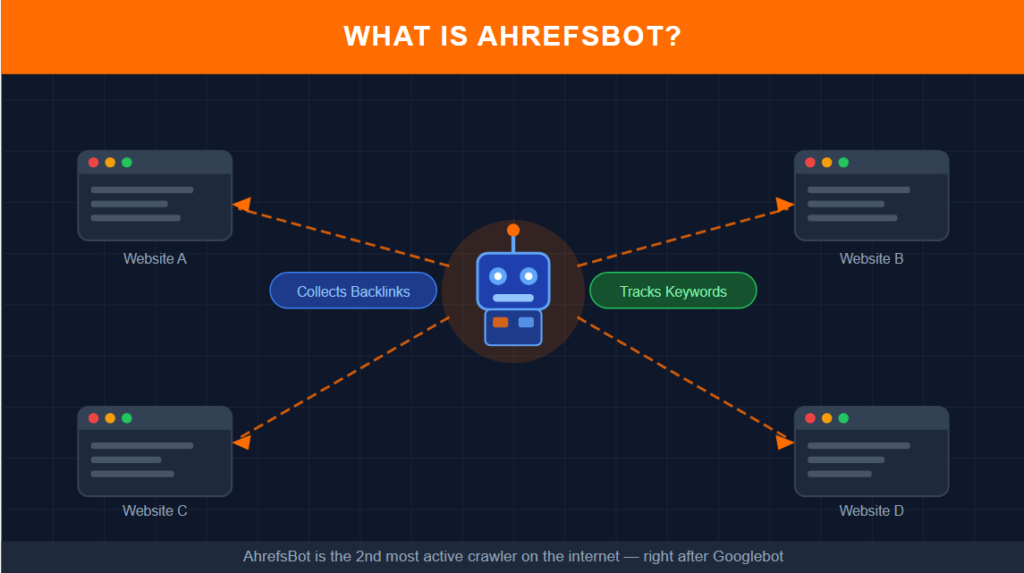
AhrefsBot is a web crawling tool used by the Ahrefs team in order to gather information about sites, their links and content. It is one of the busiest bots on the internet and second only to the major search engine bots such as Googlebot. AhrefsBot is responsible for collecting the backlinks data, keywords and conducting the website audit for the Ahrefs platform.
It should be noted that when AhrefsBot crawls your site it doesn’t do it on behalf of Google or other search engines.
Why Someone Might Want to Block AhrefsBot
Some justified explanations for why site owners decide to block AhrefsBot include:
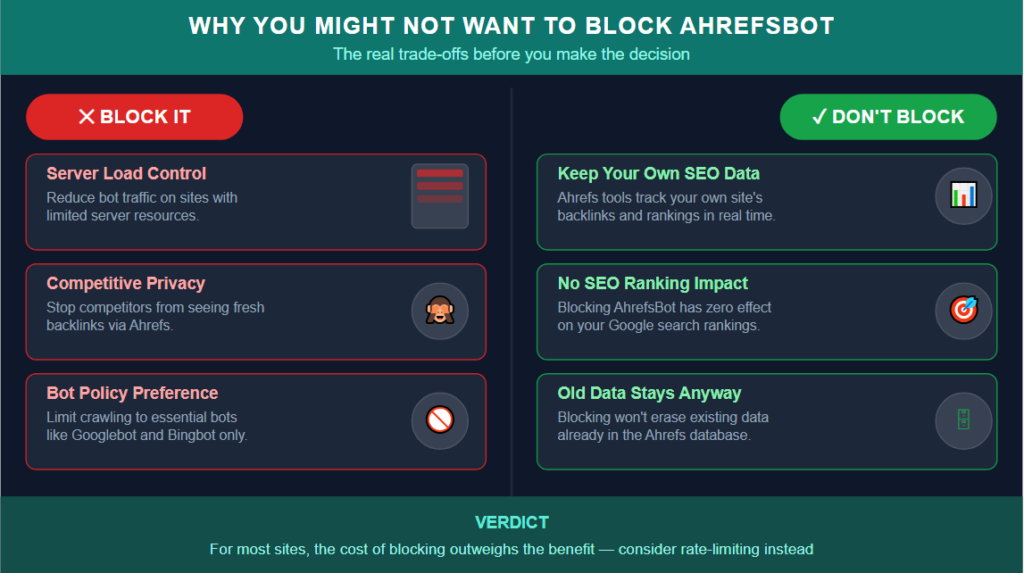
Server Load Concerns
On massive sites with lots of pages or sites with not many server resources, the total number of bots such as Googlebot, Bingbot, AhrefsBot, and other bots crawling the site could add up to some load. Site owners may want to decrease the load on their website by restricting access only to some specific bots.
Competitive Privacy Concerns
Certain companies don’t want their competitors who use Ahrefs to be able to view their backlinks, best pages, and keyword positions using Ahrefs. By blocking the bot, site owners may be thinking of preventing the collection of the latest information about their site.
General Bot Management Policy
Site owners choose the general approach of blocking all unnecessary bots except for search engines like Google or Bing.
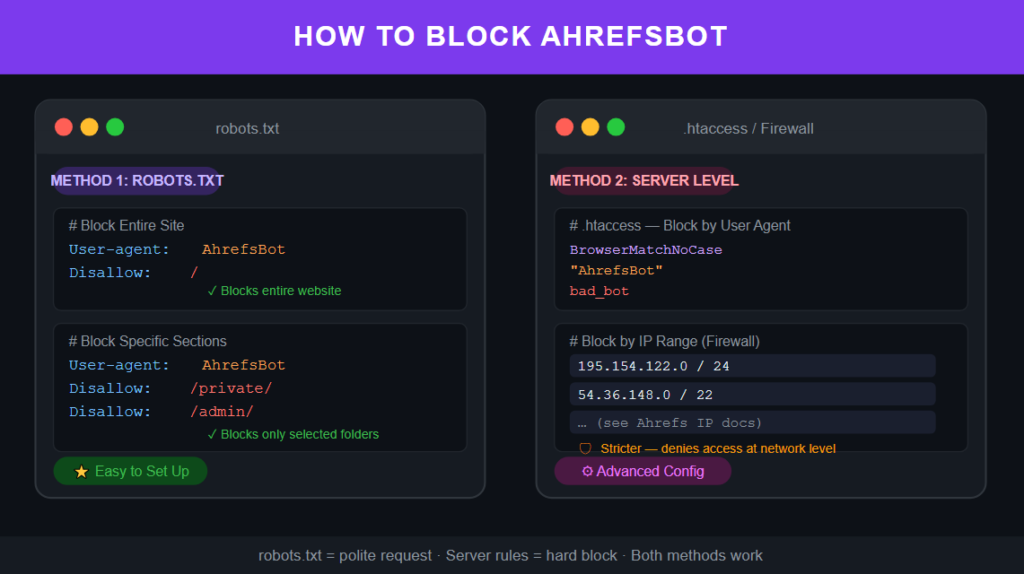
How to Block AhrefsBot via Robots.txt
The correct, polite approach to stopping any well-mannered bot, such as AhrefsBot, is by using your robots.txt file.
Add the following to your robots.txt file (found at yourdomain.com/robots.txt):
Block the Entire Site
User-agent: AhrefsBot
Disallow: /
This instructs AhrefsBot not to crawl any page of your website. AhrefsBot obeys the robots.txt protocol, hence, this will be an effective approach.
Block Specific Sections Only
For instance, in case you want to restrict AhrefsBot’s access from crawling certain sections of your website but not the whole website:
User-agent: AhrefsBot
Disallow: /private-section/
Disallow: /admin/
In this case, AhrefsBot is allowed to crawl most of the website except for specific directories.
How to Block AhrefsBot via Server Configuration
If you want to go for a stricter method, you can block AhrefsBot on your server level via its user agent string or IP ranges.
Blocking by User-Agent (Apache Example)
Add a line of code in your .htaccess file which will deny access to the requests that have the AhrefsBot user-agent string.
Blocking by IP Range
Ahrefs has made public the IP ranges for its crawler (which you can find from Ahrefs documentation). You can use this list to block AhrefsBot on your firewall or server level, which is a more effective way than blocking it in your robots.txt file since it will totally deny access rather than relying on the crawler itself.
Blocking on firewall/server level requires more configuration but will give you the assurance that no request from AhrefsBot will be able to access your website.
Why You Might NOT Want to Block AhrefsBot
Prior to blocking the bot, take into account the following factors:
You Lose Visibility Into Your Own Site’s Data
In case you use Ahrefs (along with other services that use Ahrefs data, for instance, different SEO checking tools that work for free) to track your backlinks, rankings, or SEO problems, you prevent Ahrefs from collecting up-to-date information about your website.
It Doesn’t Meaningfully Protect Against Competitive Research
Blocking AhrefsBot from crawling your website won’t stop your competition from analyzing the data about your website which has been indexed in the database of Ahrefs by some other means, such as links which have already been saved in Ahrefs database or data which was collected before you blocked it. Blocking AhrefsBot won’t affect anything else which can be viewed through completely unrelated sources.
It Has No Effect on Google Rankings
AhrefsBot has nothing to do with crawling and indexing done by Google. Blocking AhrefsBot will have no effect whatsoever on your rankings in search engines, either good or bad. It is a common misconception among website owners to confuse “blocking crawlers” with “SEO improvement.” These two things have nothing in common.
Server Load From AhrefsBot Is Usually Minimal
Even for those who run really high-traffic websites with limited server resources, the crawl rate imposed by AhrefsBot is usually not enough to justify its blocking.
What Blocking AhrefsBot Actually Achieves
As far as the result itself is concerned: blocking AhrefsBot stops Ahrefs from obtaining new data about your website. However, it will not delete any data that has already been gathered by Ahrefs, and will have absolutely nothing to do with your actual presence in the search engine’s results.
If your aim is to restrict the ability of your competitors to find out the information about the backlinks and keywords ranking of your website using Ahrefs in particular, then blocking the crawler will give you just a little bit of additional security.
Alternatives to Consider
If Your Concern Is Server Load
Analyse the entire bot activity on the server side, and opt for rate limiting rather than blocking individual crawlers. The majority of legitimate crawlers, such as the AhrefsBot crawler, adhere to the crawl-delay directive in the robots.txt file when it comes to server load.
If Your Concern Is Competitive Visibility
It needs to be acknowledged that a competing company has many ways of analyzing your website that go beyond one tool’s particular crawler.
If You Simply Prefer Not to Be Crawled by Non-Essential Bots
This is a perfectly valid decision to make from a personal or business standpoint, and both approaches mentioned above would be sufficient in this case.
Final Thoughts
Blocking AhrefsBot is a technicality that can easily be done through a simple addition to robots.txt or via server rules. However, it’s crucial to understand what you’re really going to achieve in practice: minimal competitive advantage, no effect on your SEO rankings, and the inability to use your own Ahrefs-based tools to track your site.
For a majority of webmasters, the utility of such a measure would turn out to be less significant than one might think at first, whereas the price in terms of the inability to track the backlinks and SEO performance of your own site would become a substantial one.