Framer Website Builder Review (2026): Is It Worth It?

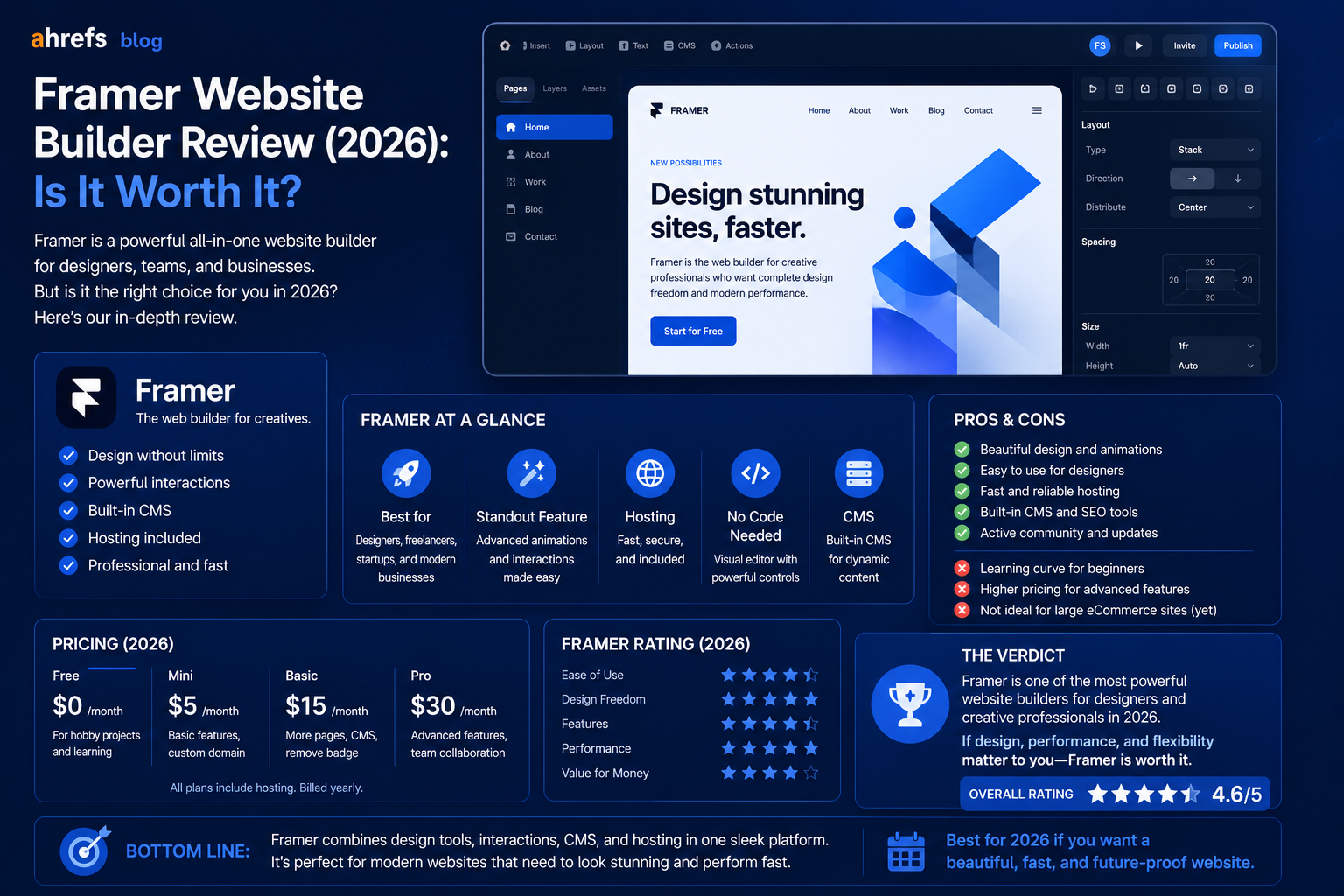
Initially designed to aid product designers in building prototypes, Framer has now become one of the hottest website builders in the year 2026. Many top brands such as Miro and Perplexity AI have used it to build their main websites.
However, would this be the right website builder for your needs? Here’s our in-depth review that looks at its strengths, weaknesses, target users, and pricing model.
Table of Contents
- What Is a Framer?
- Features of Framer
- Framer Pricing ($100M valuation)
- Advantages of Framer
- Disadvantages of Framer
- When to Use Framer
- Comparison of Framer and Alternatives
- Conclusion
What Is a Framer?
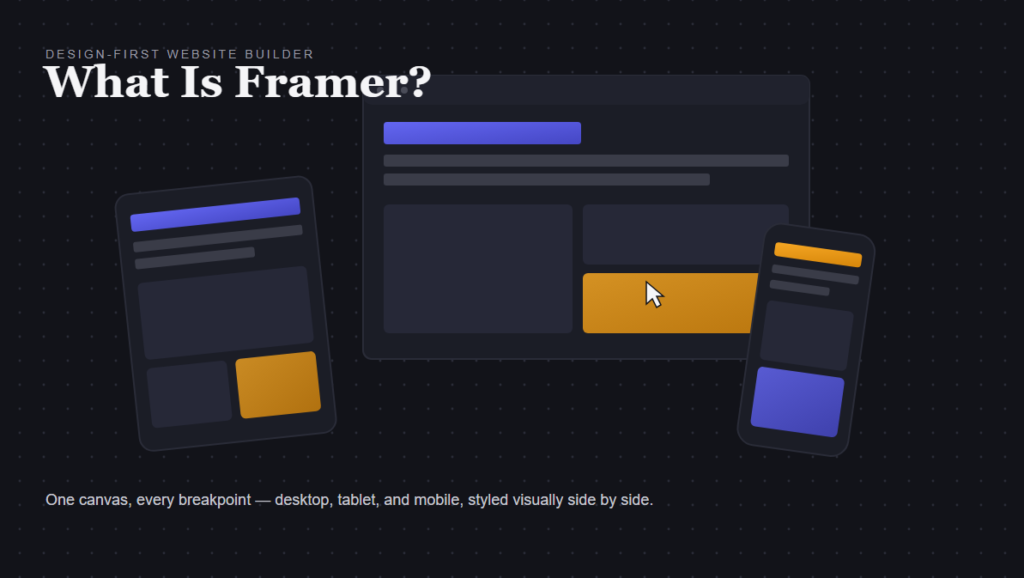
Framer is a non-coding website builder, which offers an intuitive visual editor, AI-driven website building, in-built CMS, and instant publishing to a worldwide CDN network.
It is a tool for those who prioritize high design standards. The interface of the Framer canvas is very similar to that of Figma; however, even without experience with Figma, it can be learned quite easily.
In August 2025, the company secured a $100M funding round at a $2 billion valuation and achieved $50M in annual recurring revenue. It is not an amateur product any more.
Framer’s Key Features
AI Site Generation
Enter a description of your desired website, and the AI from Framer creates an entire multi-page website from scratch: design, copy, images, navigation, and breakpoints. The result is more aesthetically pleasing than most other AI web generators.
The real deal: the websites that are generated by the AI do look very cool at first sight. Their layouts are modern, their typography is fine, and the use of colors is acceptable. But when you dive deeper, the copy turns out to be generic and requires some editing. It’s just a good start for you.
Visual Editor
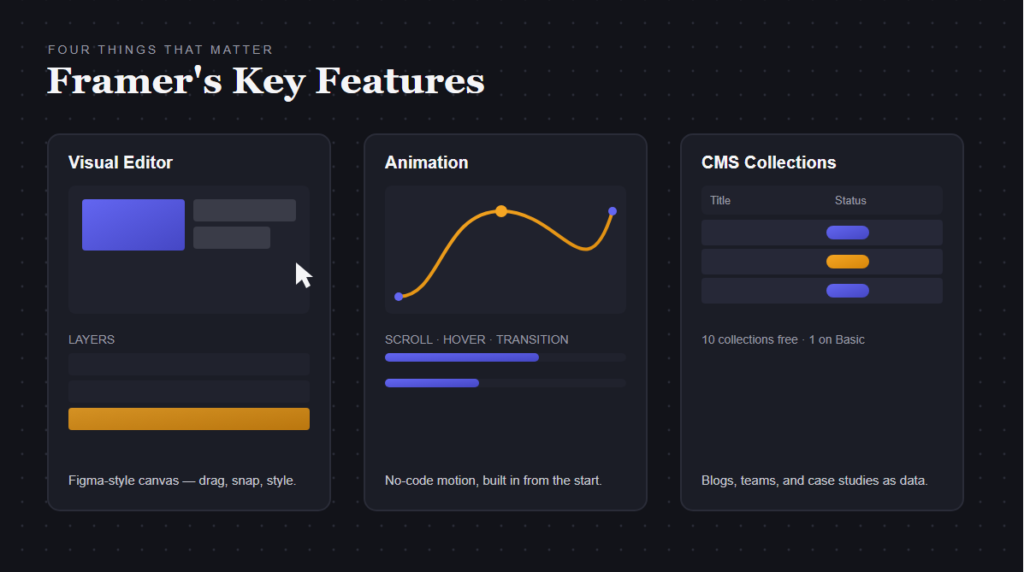
The editor of Framer feels like using Figma instead of dragging blocks in a page builder. You have control over design, spacing, typography, and animations. Breakpoints are visual and easy to understand.
And this is exactly where Framer shines compared to Wix, Squarespace, and any other competitor on the market. There’s nothing like that in other no-code builders.
Animations
First-class animation is baked in, not bolted on. Scroll effects, hover animations, page transitions, and micro-interactions can be achieved without writing any code. This is an important feature for marketing sites and brands that want to focus more on branding than development.
CMS (Content Management System)
The CMS in Framer allows the creation of collections, blogs, people/team pages, case studies, and binding them to dynamic page templates. In April 2026, the CMS was upgraded to 3.0 and included a table view, bulk actions, and dynamic filters.
A peculiar trait of the CMS in Framer is that although there are 10 CMS collections available with the free account, once you subscribe to the basic plan you will only have access to 1 collection.
AI Translation
Framer has AI translation for sites in multiple languages. You can create a site in one language, and the rest will be created in other languages by the application. This is extremely useful when you’re designing a business site for an international audience.
Framer Pricing (2026)
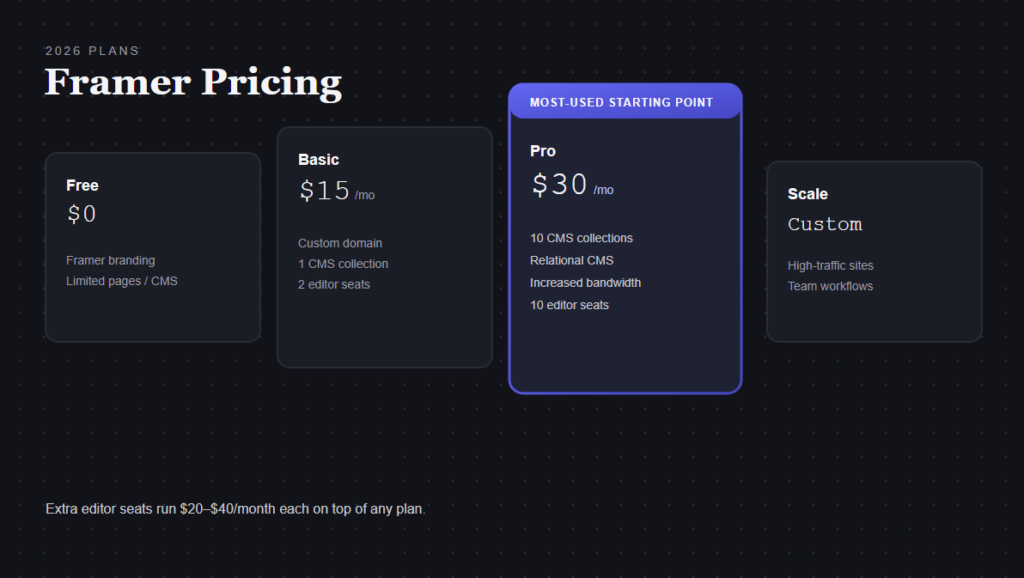
- Free: Create and publish with Framer branding. Pages/CMS items limited.
- Basic: $15/month (annually), custom domain, 1 CMS collection
- Pro: $30/month (annually), 10 CMS collections, relational CMS, increased bandwidth
- Scale: High-traffic websites and teams
Important
There is an additional fee for editor seats. The Basic plan comes with 2 editors while the Pro plan comes with 10. Each additional editor costs between $20 to $40 per month.
The actual starting cost for using a Framer website with CMS is the Pro plan at $30/month.
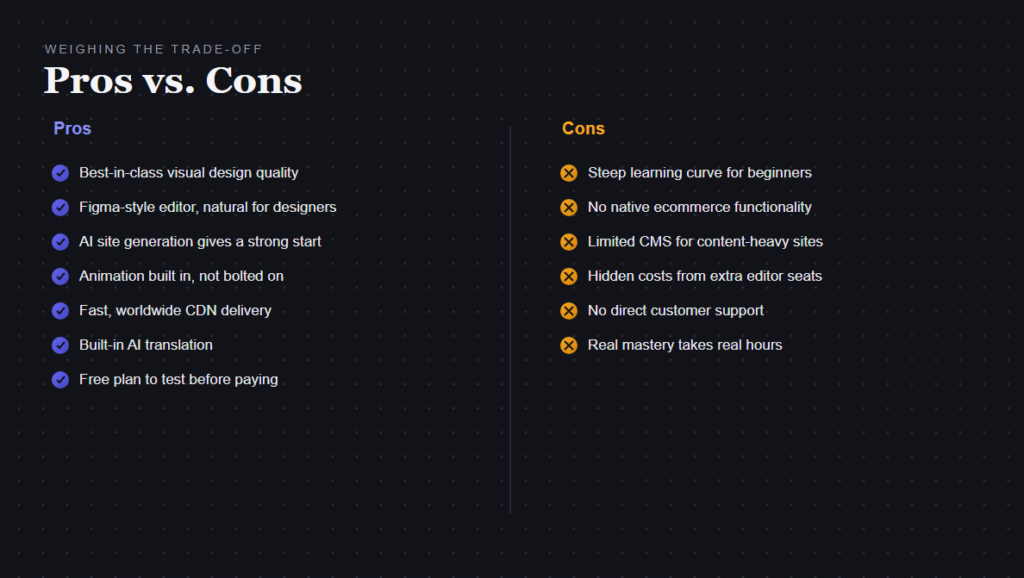
Framer Pros
- Highest-quality design of any no-code builder
- Figma-style editor is natural for designers
- AI website generation provides beautiful base designs
- Includes animations out of the box, not an extra service
- Runs fast from a worldwide CDN
- Inbuilt AI translation service
- Get free plan to build and test first
Framer Cons
- It’s not easy for beginners. Basic knowledge of designing is needed.
- There’s no built-in ecommerce functionality. The integration of Shopify or Ecwid will be required for the product sales.
- Limited CMS capabilities. Not fit for large content sites.
- Unexpected hidden expenses. The editor seats and limitations will surprise you.
- No customer support provided. It will be possible only through community forums or the AI assistant.
- It’s really hard to learn. Be prepared for several hours of mastering the system.
Who Should Use Framer
Framer is the right choice if:
- You’re developing a marketing site, landing page, portfolio, or branding-focused website
- Quality design is more important to you than in-depth content management
- You’re a designer or collaborate with designers familiar with Figma-style software
- You want animation and visual flair without coding
- You’re planning for a multilingual site
Framer is the wrong choice if:
- You need a fully-functioning ecommerce platform
- You’re building a content-heavy site with many blog posts
- You’re a total beginner and want a step-by-step process
- You need backend systems or application capabilities
Framer vs. Competitors
Framer vs. Webflow
Framer has the edge on fast and user-friendly design. Webflow excels in CMS, ecommerce, and the level of maturity of its ecosystem. Select Framer for marketing websites; Webflow for complicated content and commerce.
Framer vs. Wix
Wix is easier to use and offers a wider array of functionalities. Framer delivers superior quality designs and animation. Go for Wix for guidance during setup; go for Framer for design excellence.
Framer vs. Squarespace
Squarespace has better non-designer friendly templates and more native ecommerce features. Framer has better customization options and animations. Use Squarespace for service-oriented businesses, Framer for design-focused ones.
Final Thoughts
Framer is absolutely one of the best website builders out there, especially when it comes to designing high-quality websites quickly. Its AI creation tool, visual editor, and animations are top-notch.
However, it is not suitable for everyone. If you need an ecommerce website, a powerful CMS, or an easy to setup website, then this platform may not be what you need.
Ideal audience: designers, founders, small design teams creating marketing websites who value speed and design. Here Framer shines.
Get started with the free plan first. If it works for you, consider going Pro.