CRM and Task Management: What It Actually Covers and Why It’s Easy to Get Wrong

Introduction
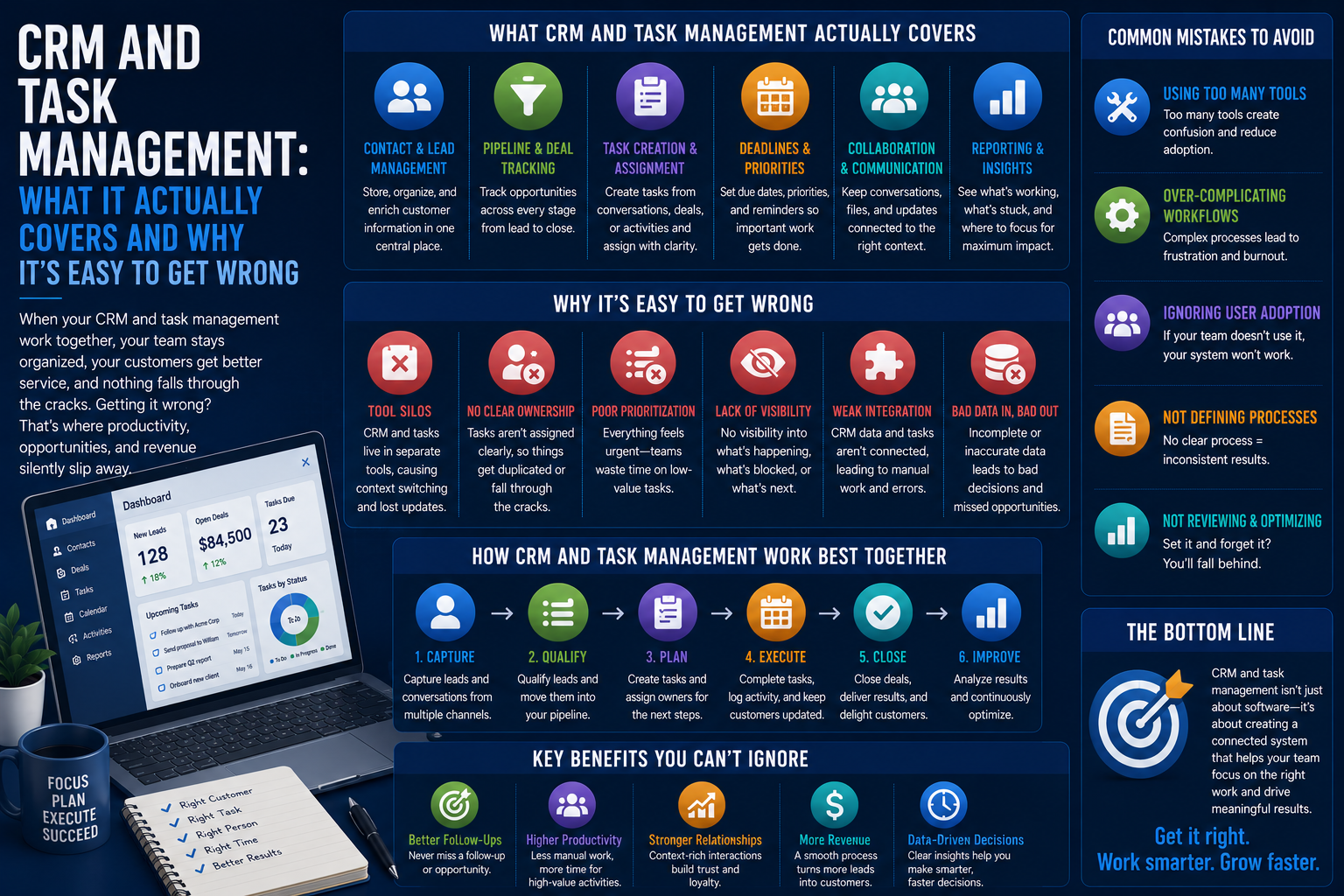
CRM and Task Management means integrating the management of relationships with customers with assigning, scheduling, and completing the follow-up tasks that these relationships demand.
That may appear quite straightforward on the surface, but it is often difficult due to the sheer amount of overlap between activities required for maintaining both customers’ records and task lists.
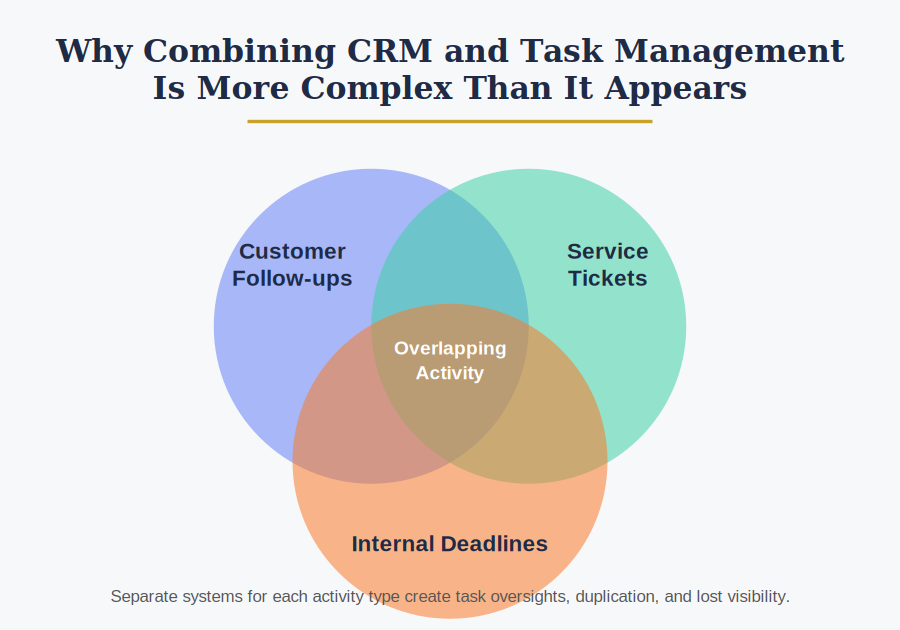
Why Combining CRM and Task Management Is More Complex Than It Appears
Customer-based activities are not one homogenous set of activities but are a combination of the following:
- Customer follow-ups
- Service tickets
- Internal deadlines
Different teams enter tasks in a separate system from the customer information database, which results in task oversights or duplication.
For an organization that deals with multiple departments in customer interactions, task visibility should be team-wide because otherwise it becomes frustrating for the customer and duplicative.
Major Areas of CRM Task Management
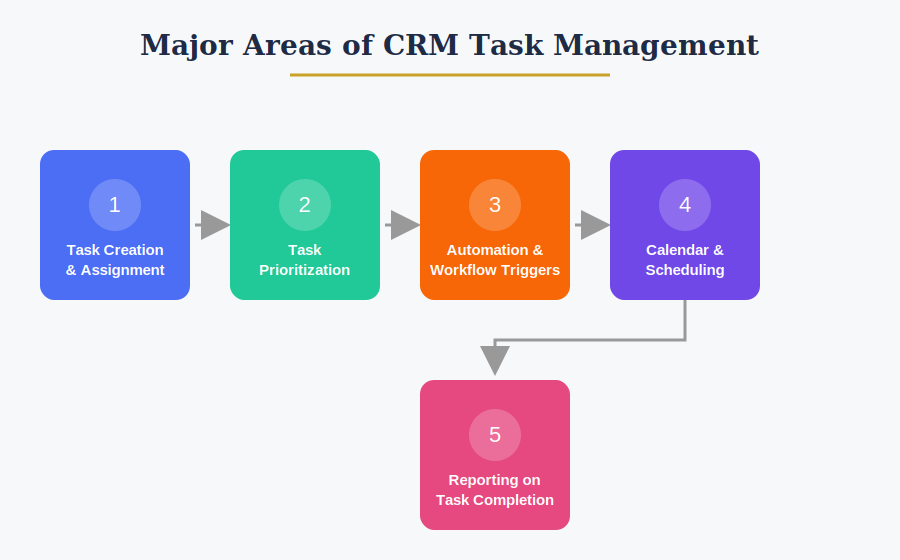
Task Creation and Assignment
Rules Governing:
- Manually created tasks by reps
- Automatically created tasks from triggers (such as changes in a deal stage)
- Task assignment to people or groups
Manually created tasks only is among the most common and expensive problems because it can lead to:
- Missed follow-ups
- Inconsistent customer experience
- Lost deals due to delays
Task Prioritization
CRMs with well-developed task management features provide visualization that brings out urgency, compelling the reps to follow certain work routines each day according to deadlines and priorities.
Prioritization Factors Often Include:
- Value of the deal
- Proximity of the due date
- Importance of the customer or account
Automation and Workflow Triggers
Handling is not only about the tasks that the individual generates but also the growing trend towards the automation of task creation in connection with certain customer activities or pipeline stages.
Those Triggers Usually Vary in Many Respects Including:
- The trigger for task creation
- The assignment of the task
- Advance notice
Calendar and Scheduling Integration
Task management in a CRM may also be linked with the following aspects:
- Calendaring of appointments and phone calls
- Reminders using email or cellular device
- Time blocking to facilitate concentrated follow-up
Integration varies according to the CRM software itself and its own applications.
Reporting on Task Completion
Some CRMs ask for managers to keep track of specific performance measures such as:
- Number of overdue tasks
- Average task completion time
- Tasks per rep
These performance measures must be analyzed consistently to detect any shortcomings in the follow-ups being done.
Why Task Management Failures Happen Even in CRMs Designed for It
Task updates failing due to neglect of the feature by the team rarely occurs.
In fact, problems could arise due to the following reasons:
- Tasks are not updated consistently by reps; some of them depend on their memories instead.
- The task feature in a CRM is less utilized since email or other apps seem easier to use.
- Managers do not check overdue task reports often enough.
How Organizations Manage CRM Task Workflows
Standardized Task Templates
If the sales and services teams are larger, they can set up standardized task workflows for various activities in situations where onboarding or renewal follow-up is required to be consistent among representatives.
CRM Automation for Recurring Work
Some CRM systems offer automation options, which help to:
- Create tasks automatically by triggering a particular event
- Assign due dates depending on the type of task
- Escalate overdue tasks to the manager
Regular Task Audits
Some of the things that organizations review at regular intervals include:
- Amount of open and overdue tasks
- Completion rate of tasks per rep
- Usage of automated tasks
Regular audits help organizations ensure that the task management system aligns with the way their team operates.
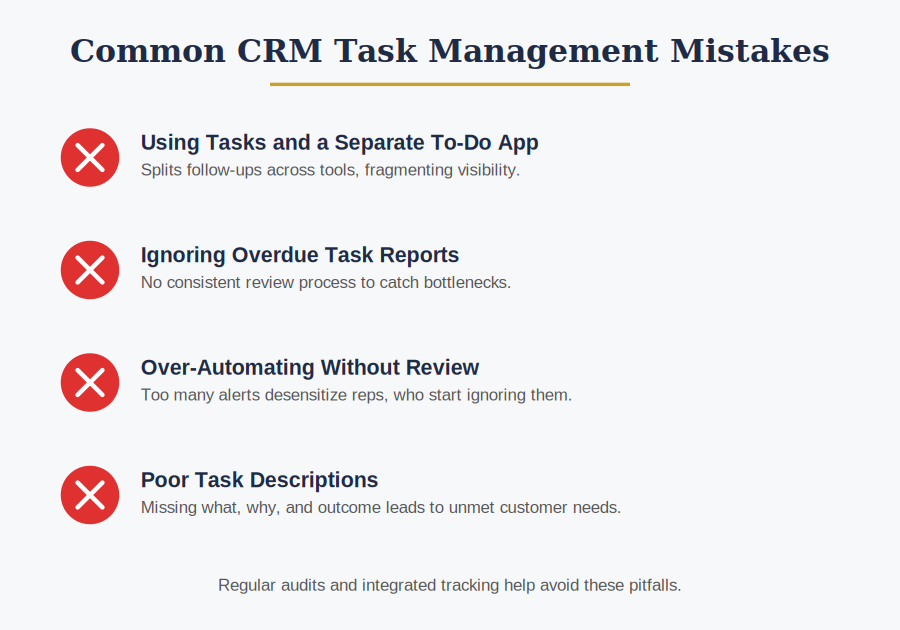
Common CRM Task Management Mistakes
Using Tasks and a Separate To-Do App
Dividing the follow-ups into the CRM and the task tool, which creates fragmented visibility of what’s been done.
Ignoring Overdue Task Reports
Not having a consistent review process for all the tasks being added so as to figure out any bottlenecks and slow-moving representatives.
Over-Automating Without Review
Adding too many automated tasks such that reps get desensitized to these notifications and ignore them.
Poor Task Descriptions
Lack of sufficient detail regarding:
- What needs to be done
- Why the task needs to be done
- What the outcome needs to be
Poorly described tasks may result in reps performing tasks without satisfying the customer’s requirement.
Bottom Line
CRM with task management integration is rather diverse and includes a wide range of aspects like task creation, tasks prioritization, automation triggers, integration with calendars, and tracking of their completion status.
Taking into account how easy it is to miss the tasks that should be followed up, it would make sense for organizations to integrate tasks management within the CRM system.