Creative Project Management Tools: The Best Options for Agencies and In-House Teams

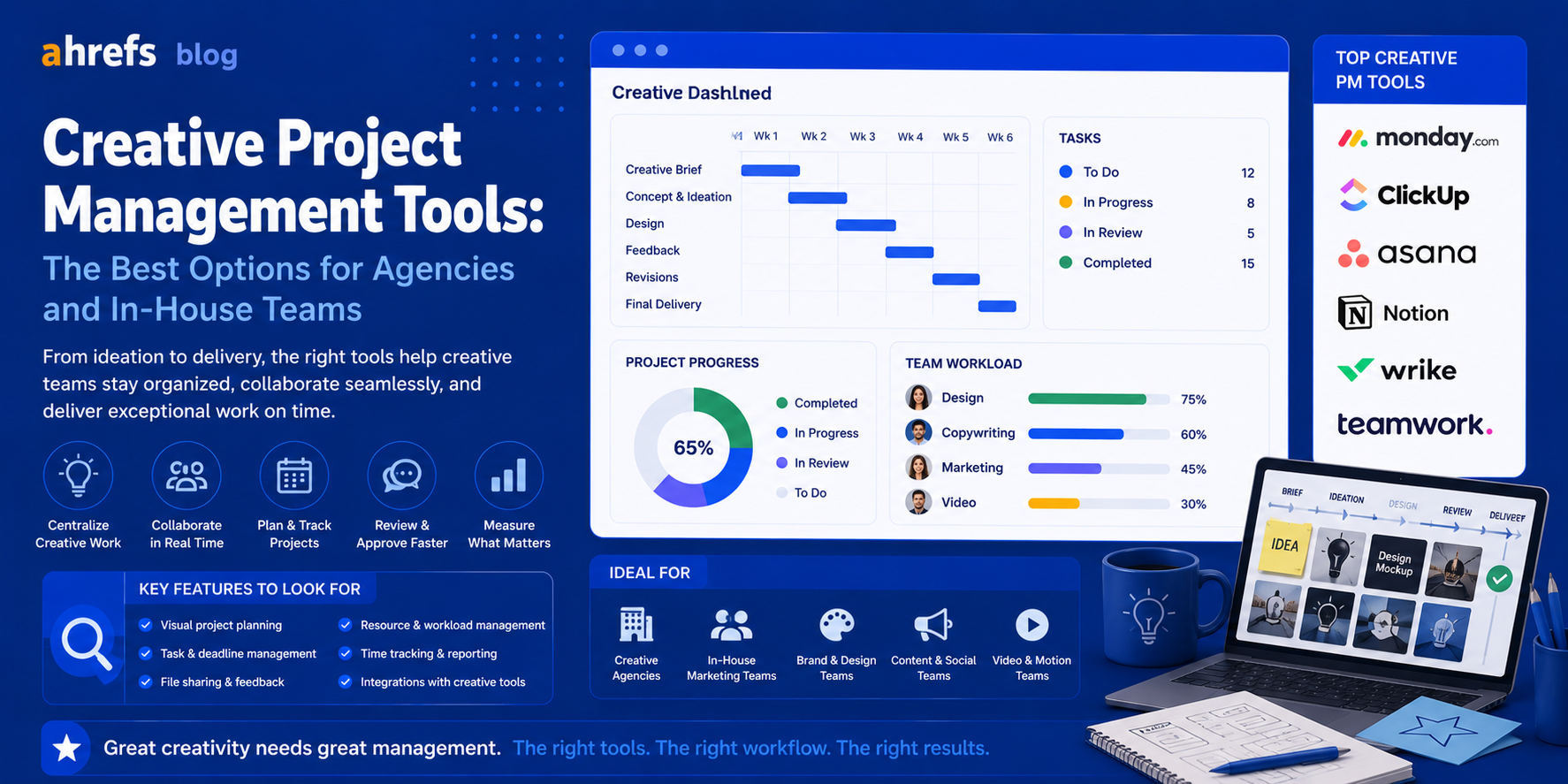
Creative teams have a project management challenge that isn’t addressed by most software tools; they need form without being overly rigid. A software application that is designed for sprints and story points isn’t applicable to brand campaigns. A production management spreadsheet that works for one project will not be enough when you are managing 50 client projects at once. This is how creative project management should work.
Table of Contents
- Difference with Creative PM
- Requirements for Creative PM Software
- Top Creative Project Management Software
- How to Decide Depending on the Team Type
- Conclusion
What Makes Creative PM Different
Creative projects have several features that make the use of generic PM software irritating:
Variable Deliverable Types
For instance, one project can involve creating a video, a logo, a landing page, and a social media campaign. The task structures have to adapt to various outputs without needing a new structure each time.
Approval and Feedback Cycles
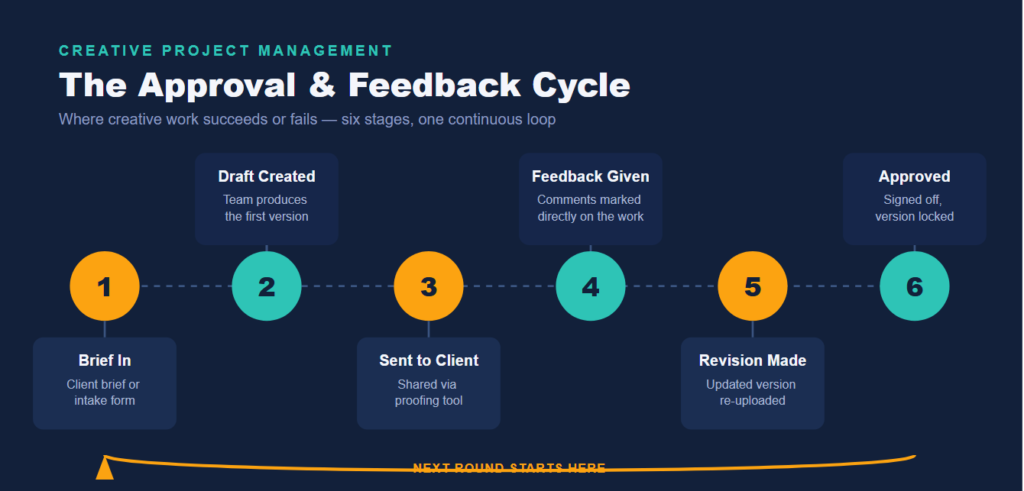
Creative work either succeeds or fails on review cycles. A platform that does not provide for “send to client for review → gather feedback → revise → approve” as an explicit stage in the workflow creates bottlenecks at the crucial point of the process.
Asset Management
The files must be stored somewhere easily accessible and in a version controlled manner. And ideally in or attached to the project itself, not hidden in some drive on the other side of the planet.
Capacity Planning Across Simultaneous Projects
Creative teams will always be working on more than one project at any time. It’s important to see who can take on another project
Must-Have Features for Creative Teams
Proofing and Approval Workflows
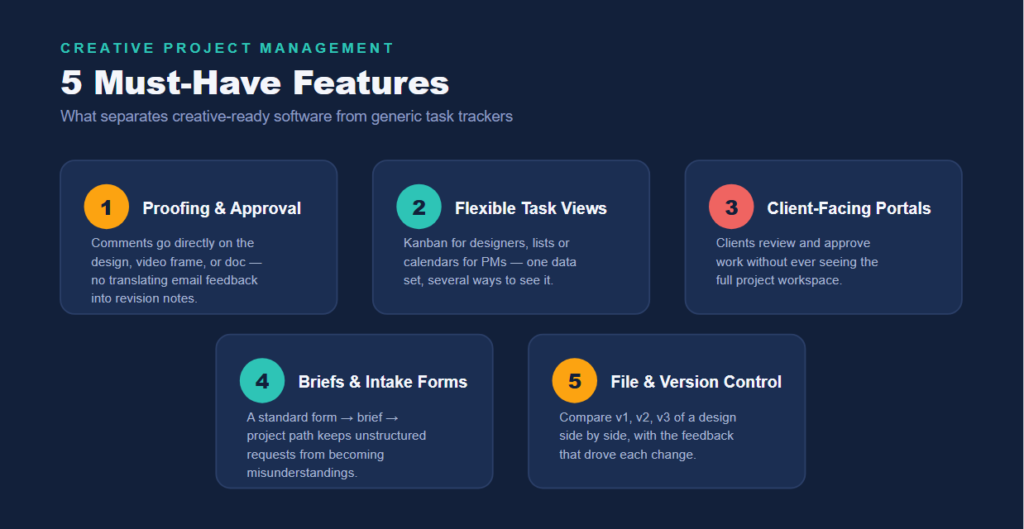
Client feedback should be directly written over the design, video frame, or document, not sent via emails that require translation to revision instructions. The proofing tools available within the software reduce an entire cycle of interpretation.
Flexible Task Views
Some people on the team think using Kanban boards (designers); some like having a list or calendar view (project managers). Having different ways to visualize the same project information will work better for a diversified creative team.
Client-Facing Portals or Sharing
In particular, there needs to be a way for the agency to collaborate with the client on reviewing work without granting full access to the project environment.
Creative Briefs and Intake Forms
Standardization of the intake process (form → brief → project) eliminates the possibility of unstructured project requests leading to misunderstandings.
File Storage and Version Control
Files created as part of the creative process are often updated several times. It is helpful to be able to compare version one, two, and three of a design and the comments that led to the updates.
Best Creative Project Management Tools
Teamwork
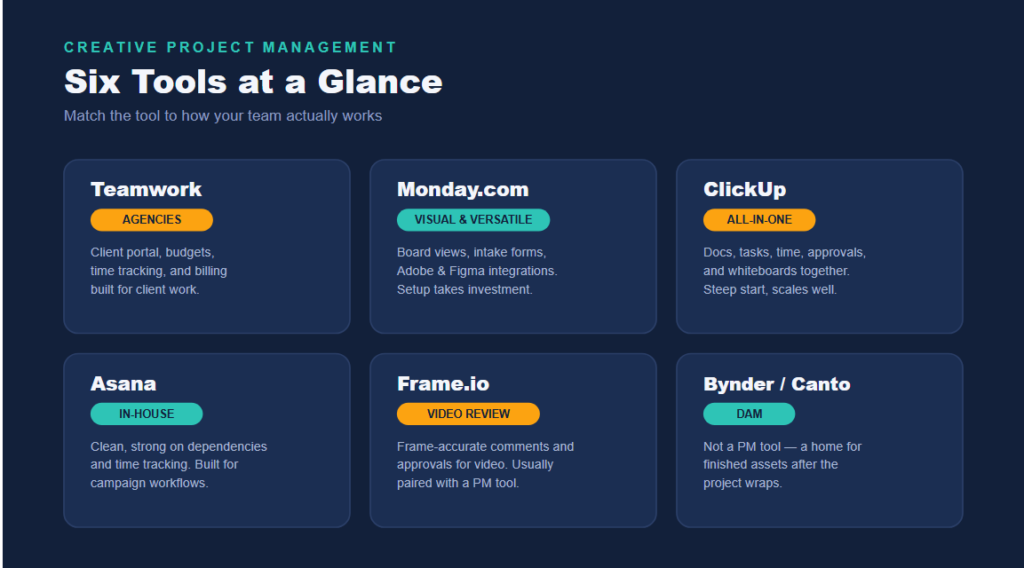
This is an application built exclusively for agencies with client-related projects to manage. A good client portal, budget management, time tracking, and billing, and project templates. This is what agencies use when there is a need to control the creative part and the relationship with clients.
Monday.com (Work Management)
Very versatile and visual – creative teams love the board view and the color-coding of the statuses. Add-ons like Monday WorkForms (intake forms) and integration with Adobe Creative Cloud and Figma make it applicable for creative workflows. However, it requires initial investments into the setup.
ClickUp
The most complex of all options. Documents, tasks, time management, approvals, and even whiteboard are combined in one application. Can be overwhelming at first, but good for scaling.
Asana
Clean, organized, and strong on dependencies and time tracking. Best suited for in-house creative groups working on their campaign workflows than external agencies with complex client management issues.
Frame.io
Designed specifically for videos/media review. If your creative product is videos, there is no one better than Frame.io’s frame-accurate comment and approval workflow. Usually complemented by a separate PM tool.
Bynder / Canto (Digital Asset Management)
Not project management tools themselves, but essential accompaniments to them. If your company generates large amounts of creative products, you need a DAM (Digital Asset Management) solution to keep track of all the files after the completion of the project.
How to Choose Based on Team Type
Agency Managing Client Projects
Teamwork vs. Monday.com: The client portal, time tracking and billing features are the most important.
In-House Creative Team (Brand, Marketing)
Asana vs. ClickUp: Internal collaboration and campaign management is the key feature here.
Video Production Team
Frame.io for reviews plus any general project management tool for production management.
Small Studio or Freelance Creative
→ Monday.com or ClickUp. Scalable and robust with powerful free and cheap versions.
Final Thoughts
When looking for the perfect creative project management tool, it’s tempting to choose the most feature-packed solution available. However, creative teams do not tolerate tools that feel like a pain in the neck. Instead, focus on solving the single biggest and costliest pain point you have now, it could be approvals, capacity visibility, or chaotic intake, and build upon that.