Bluebeam Project Management: How Construction Teams Use It to Stay on Track

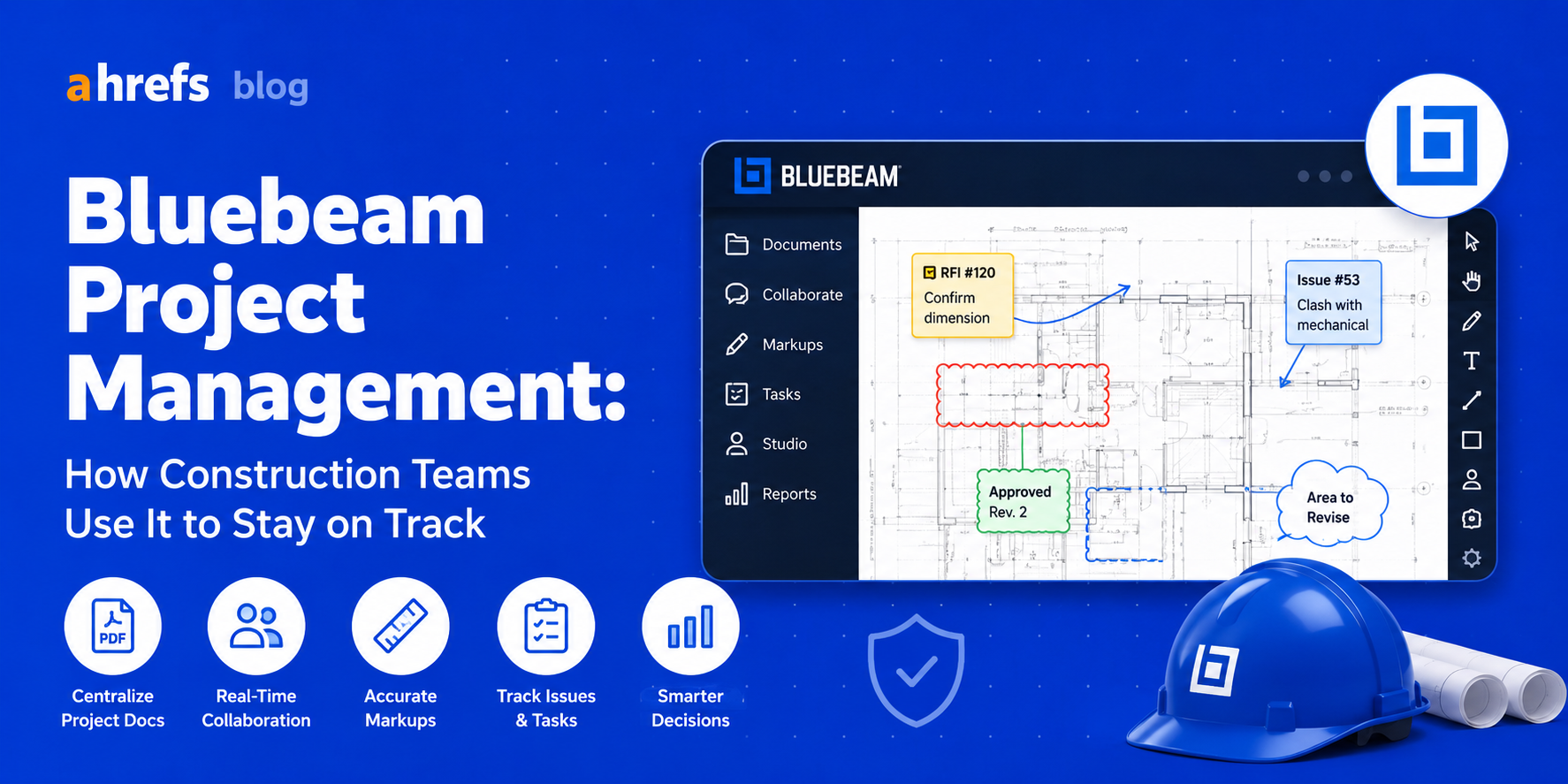
The majority of project management tools have been designed for software development teams. Bluebeam was developed specifically for the construction industry and this difference is evident from anything, ranging from drawing management to collaboration in the field. Below you will find the exact way construction workers leverage Bluebeam for project management.
Table of Contents
- What Is Bluebeam?
- Core Project Management Features of Bluebeam
- How Do People Use Bluebeam in the Field?
- Bluebeam Studio: Real-Time Collaboration Uncovered
- Bluebeam vs. Generic Project Management Tools in Construction
- Who Should Use Bluebeam and Who Shouldn’t
- Conclusion
What Is Bluebeam?
The Bluebeam Revu software is an annotation and collaboration tool for architects, engineers, and construction workers based on the PDF format. It is not a typical project management tool such as Monday.com or Asana, but rather a document management tool where construction drawings serve as the workspace.
Project management capabilities of the software exist within documents, marking up, managing submittals, RFI coordination, and version control of drawings.
Core Project Management Features in Bluebeam
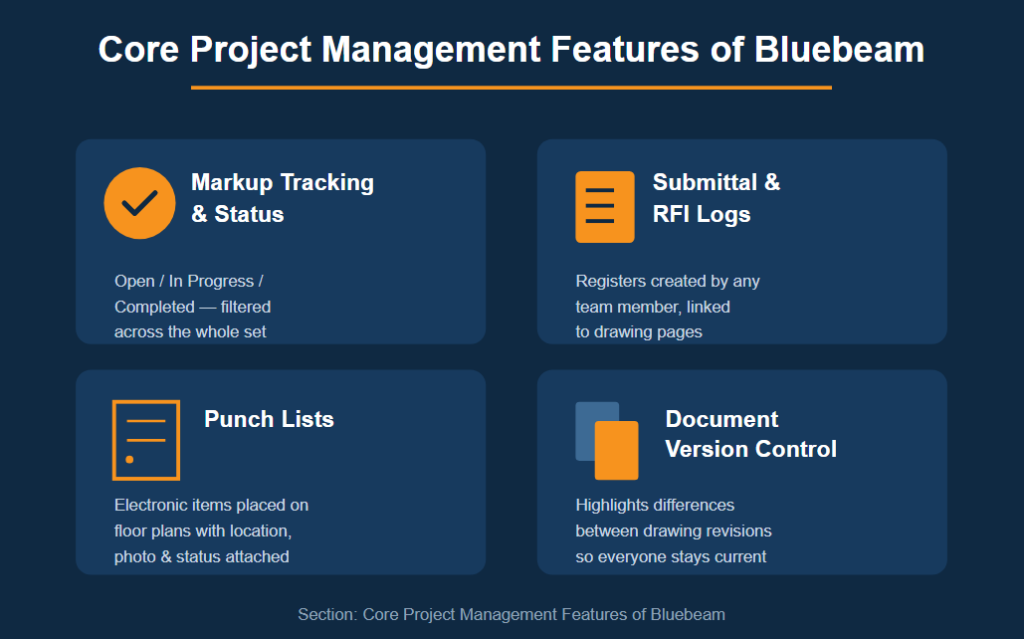
Markup Tracking and Status Management
All remarks, modifications, and annotations made to any drawing in Bluebeam are recorded as markups that have a status (Open, In progress, Completed). Markups can be filtered and sorted according to the entire drawing set by project managers who will see which markups need to be addressed, without having to flip through hundreds of pages.
Submittal and RFI Logs
Submittal logs and RFI registers are created within Bluebeam by any team member. Every register and log is linked to a corresponding page from the drawing set.
Punch Lists
The markup items in Bluebeam are placed on floor plans to create electronic punch lists that include location, description, photograph, and status information. This process eliminates the paper method of punch list creation, which loses context every time the drawing is folded and tucked away.
Document Version Control
If there are any modifications to the drawings, Bluebeam highlights the differences between the two drawings. This ensures that everyone from the project manager to the subcontractors on site uses the latest version of the drawings.
How Teams Use Bluebeam on Active Projects
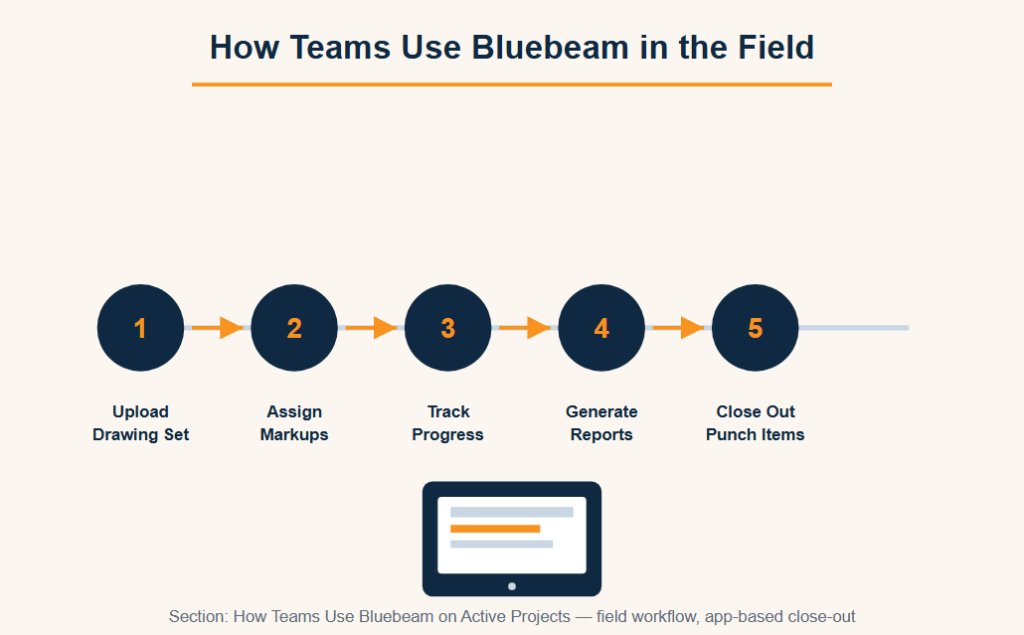
Here’s how the normal process flow for project management in Bluebeam goes:
1. Upload the Drawing Set
Uploading the entire set of drawings into Bluebeam Studio Session/Project
2. Assign Markups
Markups being assigned to respective team members with due dates
3. Track Progress
Markup status tracking using the Markups List feature, by the respective responsible party or status (open/closed)
4. Generate Reports
Report creation in PDF or CSV form for owner presentations.
5. Close Out Punch List Items
Punch items can be marked as closed in the field using the Bluebeam app.
The entire system resides in the drawings, just like how construction project managers spend most of their time there.
Bluebeam Studio: Real-Time Collaboration Explained
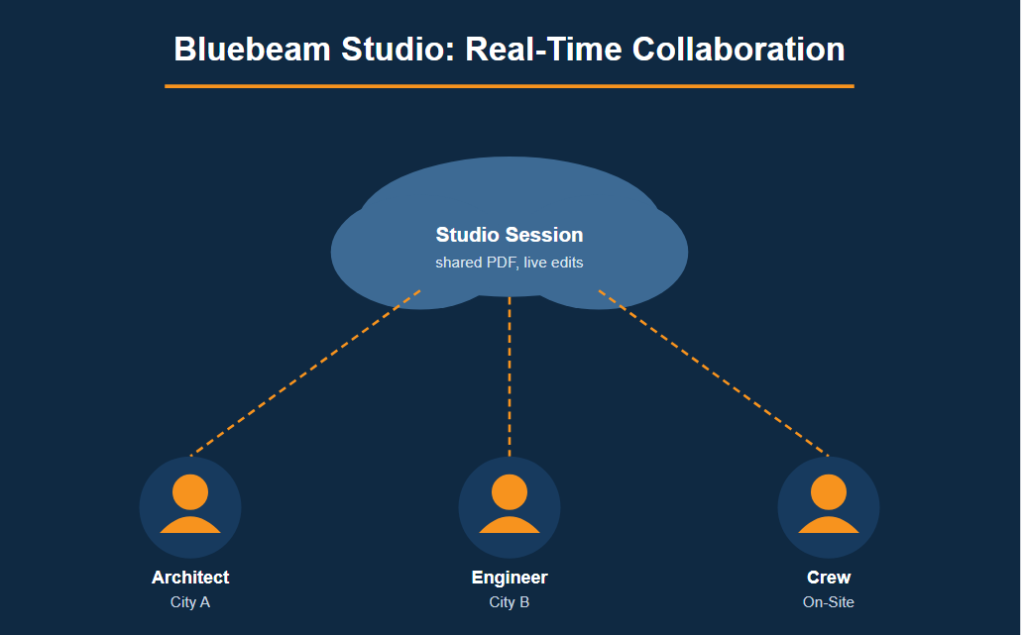
Bluebeam Studio is the cloud collaboration technology integrated with Revu. It consists of two parts:
Studio Sessions
Collaborative editing of a shared PDF in real time with multiple users. Everyone can see the changes immediately, just as in Google Docs when editing construction documents.
Studio Projects
Document management system that keeps all project-related documents stored and accessible from one central location.
Studio ensures that there is no confusion in distributed teams, where architects work in one city, engineers in another, and the construction crew on site.
Bluebeam vs. General PM Tools for Construction
While general-purpose project management software applications like Asana, Monday.com, and even Procore’s task manager do an excellent job managing tasks and schedules, what they don’t do is manage the drawing-based coordination work, the true language of construction projects.
Here is where Bluebeam comes into play. Most of the construction companies make use of two kinds of software: general-purpose PM software to track schedules and budgets and Bluebeam for all the drawing-based work.
Who Bluebeam Is (and Isn’t) For
Bluebeam Is a Strong Fit For:
- General contractors in charge of drawing coordination and submittals
- Architects and engineers working together to review design
- Project managers coordinating punch list and close out process
It’s Not a Fit For:
- Projects requiring Gantt chart and scheduling (with Primavera P6 and MS Project)
- Cost and budget control (using Procore, Sage, or a cost management system)
- Non-AEC sectors where document coordination is not the central process
Final Thoughts
Bluebeam doesn’t provide an end-to-end solution for construction project management; instead, it is an application which does one particular thing really well: It ties the project coordination process to drawings. Bluebeam will be of interest to those who currently manage RFI’s, punch lists, and submittals via emails and Excel sheets. With the addition of scheduling and costing software, you’ll get an ideal combination.