Adobe eSign: What It Actually Covers and Why It’s Easy to Get Wrong

Introduction
Adobe eSign is one of the products from Adobe Acrobat Sign which entails utilizing the Adobe platform for sending, signing, and managing signatures in electronic form in documents, and not just an isolated signature application.
It appears like a fairly straightforward concept; but the extent of the configurability and integrations associated with it make it a highly underutilized business practice for most companies using the platform.
Why Adobe eSign Is More Complex Than It Appears
The Adobe eSign feature is not a homogeneous feature but rather consists of the following components:
- Document creation and field placement
- Workflow configuration, such as order and routing process
- Integrations with wider document management system and other business systems
Many businesses apply Adobe eSign only to basic single signatory documents, which misses the potential of using the tool to facilitate complicated, multiple signatory processes.
When a business sends a variety of documents for signatures, then workflow configurations need to be configured separately for each use case, since one signatory contract will have a completely different configuration from multiple department approvals.
Major Areas of Adobe eSign Functionality
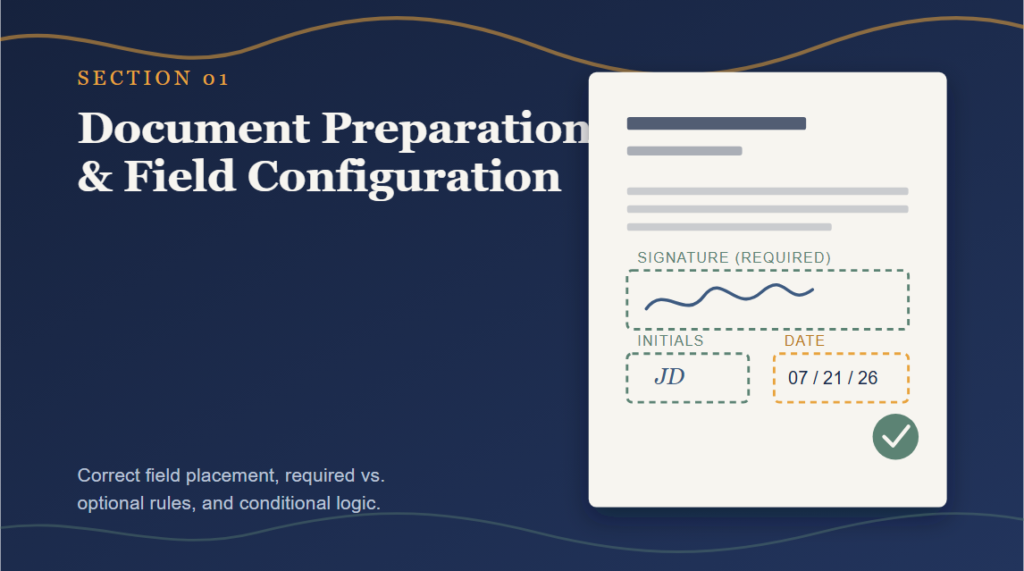
Document Preparation and Field Configuration
Rules Governing
- Correct positioning of signature, initials, and date fields
- Required versus optional fields configuration
- Conditionally configuring fields based on signer input
Incorrect configuration of fields positions is one of the most common and expensive mistakes, as it may lead to:
- Incomplete filling out of required fields by signers
- Data entry errors due to incorrect field labels
- Incomplete documents sent back for resending
Multi-Signer Workflow Configuration
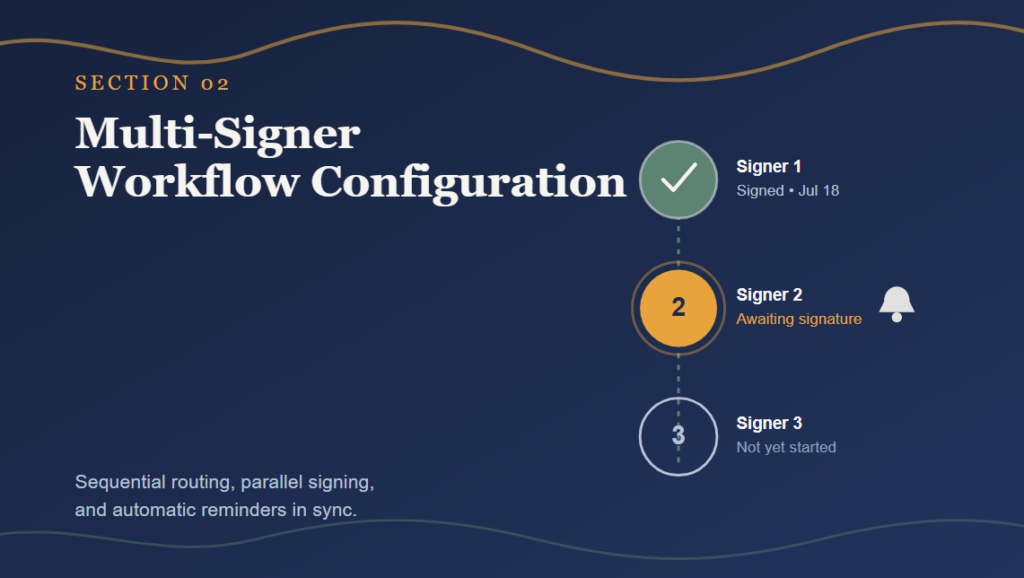
Adobe eSign usually offers complicated signing procedures that need to be configured properly to fit in the right sequence and route.
Workflow Configuration Often Includes
- Sequential signing that involves signatories completing in a particular order
- Parallel signing which enables signatories to sign at the same time
- Automatic reminders sent to signatories who have not yet completed their task
Integration With Business Systems
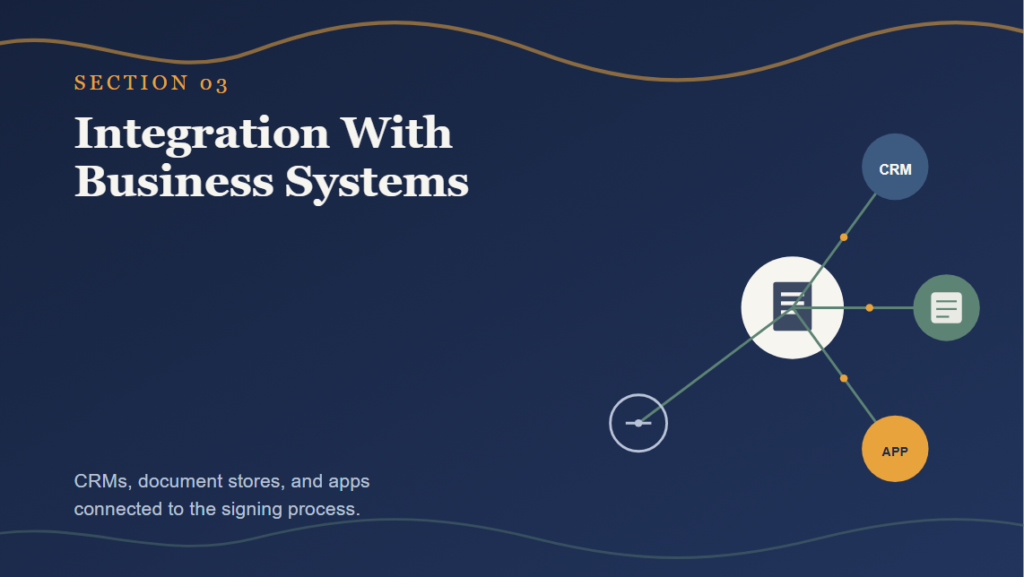
The handling process includes not just signing of standalone documents but also increasing adoption of Adobe eSign through integration with CRMs, document management systems, and other business applications.
Those Integrations Usually Vary in Many Respects Including
- Flow of automatically signed documents in other systems
- Signing initiation from within another system
- Mapping data in signed documents to other systems
Templates and Reusable Workflows
Common capabilities offered by Adobe eSign include:
- Templates for documents used regularly
- Workflows that make the process more efficient through reuse
- Mass document distribution where many people receive the same document
The amount of efficiency generated by the above capabilities depends on the number of repetitions.
Compliance and Audit Trail Features
There are some capabilities that need to be considered for certain implementations of Adobe eSign. These include:
- Audit trail containing details on the entire signing process.
- Compliance with regional regulations governing eSignatures.
- Issuance of certificate of completion for each signed document.
These capabilities have to be supported since the level of detail in an audit trail determines the defensibility of a signature.
Why Adobe eSign Implementations Underdeliver Even With the Platform’s Full Capability
Not getting the most out of Adobe eSign is rare due to the lack of capability of the platform.
- On the contrary, underutilization could be due to:
- Sticking to simple single signer templates and not leveraging multi-user capabilities.
- Missing out on integration with business applications already in use.
- Not creating templates for recurring document types.
How Businesses Get More Value From Adobe eSign
Auditing Current Usage Against Available Features
Large enterprises can examine if the current configuration is utilizing any of the existing workflow and integration capabilities, especially when more documents than originally anticipated have been generated.
Adobe eSign Practices Supporting Efficiency
A number of techniques will allow companies to:
- Create templates for commonly distributed documents
- Setup integrations linking signed documents with business applications
- Create multi-signer workflows that match real-world approvals processes
Ongoing Workflow Reviews
Organizations carry out regular assessments of:
- Signing completion rates and points at which signers frequently get stuck
- Opportunities for templating new recurring document types
- Integration effectiveness between Adobe eSign and other applications
Regular assessments allow organizations to ensure that their use of Adobe eSign is still saving them time with changing document requirements.
Common Adobe eSign Mistakes
Using Only Basic Single-Signer Setups
Loss of opportunity to create workflows that align with real-life business approval processes.
Skipping Template Creation
Creating configuration for different document types manually and without utilizing templates.
Ignoring Integration Opportunities
Running Adobe eSign software in isolation without integrating it into CRMs or existing document management systems.
Poor Field Configuration
Lack of focus on:
- Labeling fields that require signatures clearly
- Field positioning in accordance with the layout of the document
- User testing of the signing process from the recipient’s point of view
Bad field setup results in confusion and delays in document completion.
Bottom Line
Adobe eSign is rather diverse and includes different aspects such as document creation, multi-signing capabilities, integration options, templates, and auditing.
Given all the opportunities that remain untapped even in a basic version, it is more beneficial for companies to evaluate what they are doing in comparison to the total functionality of the tool.