Salesforce Project Management: Built-In Tools vs. Third-Party Apps Explained

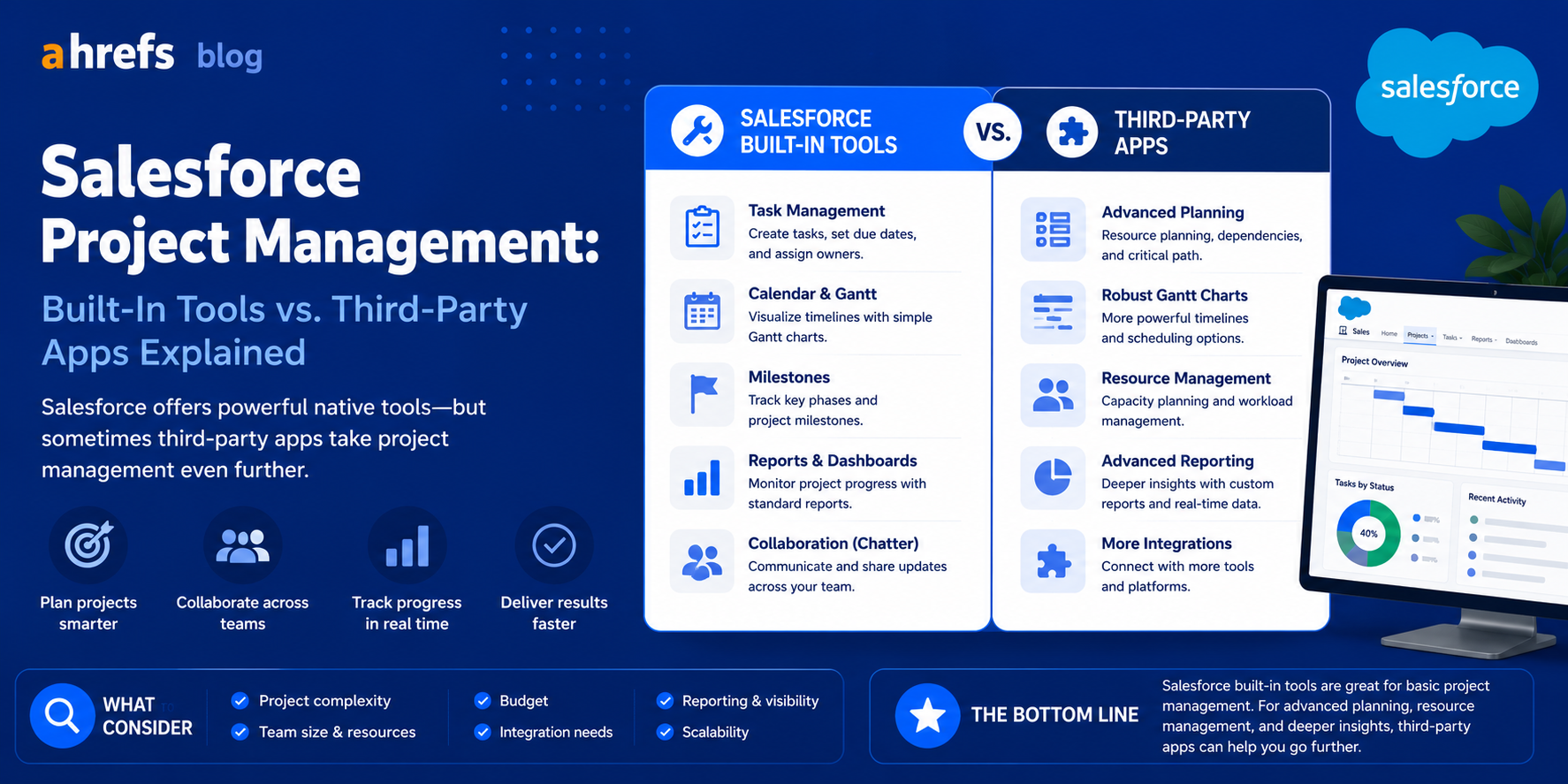
Salesforce is the world’s leading CRM system, yet right off the bat, it doesn’t serve as a project management solution. The dilemma that many teams have to solve is whether to make Salesforce perform the functions of a project management tool or integrate it with an external PM system. Here’s what this looks like.
Table of Contents
- Is There Any Native Project Management in Salesforce?
- Built-in PM Functions in Salesforce
- Best PM Solutions to Integrate with Salesforce
- Native vs. Third-party: When to Choose Which
- How to Link Salesforce with an External Project Management System
- Closing Remarks
Does Salesforce Have Native Project Management?
The Salesforce platform doesn’t come with an out-of-the-box solution for project management. Instead, what you get:
- Tasks and Activities:Task assignment for Salesforce objects (opportunities, accounts, contacts) that include due dates and responsible parties. Useful for straightforward follow-up tasks but without dependencies, Gantt charts, or hierarchical structure.
- Milestones (in Service Cloud): Project-like deliveries tracked within customer support cases.
- Salesforce Flow and Automation: Create workflow automation to emulate a project’s task flow.
For those where “project management” means managing sales opportunities that move through various phases with tasks assigned to them, Salesforce itself works quite effectively. However, for those that have complicated project management involving multiple people, with interdependencies and timelines, Salesforce is not enough.
Salesforce’s Built-In PM Capabilities
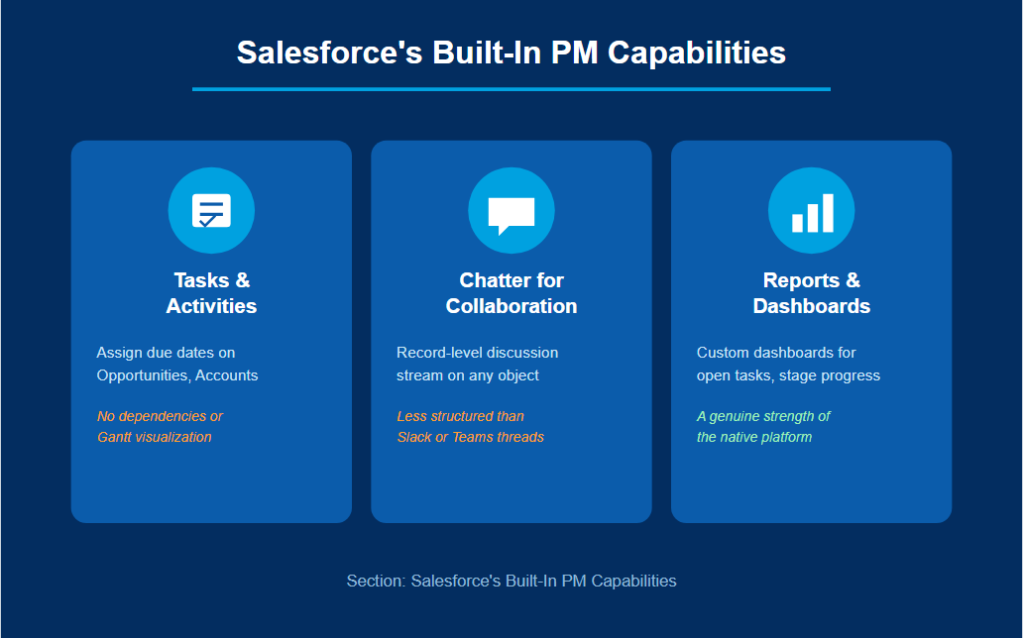
Tasks and Activities
All Salesforce records have tasks and events associated with them. You can create a list of tasks on an Opportunity or Account, assign them to team members, specify the deadline and monitor completion. Limitations: There is no way to make parent/child tasks, no way to make a timeline or visualize the project.
Chatter for Collaboration
The collaboration stream (Chatter) integrated into Salesforce is another way for a team to communicate about records. This is a project-level communication channel that does not provide as organized task-based thread as, for example, Slack or Teams.
Reports and Dashboards
Salesforce reporting capabilities are pretty good. You can design custom dashboards with project-related indicators, open tasks per owner, progress on stages of opportunities, milestones accomplishment rate.
Top Third-Party PM Apps for Salesforce
Taskray
Project management specifically built on top of Salesforce. Project structure, Gantt chart, task dependencies, resource management – everything lives within your Salesforce instance, without a single piece of information being taken off the platform. This is the most complete solution available for Salesforce-native project management.
Milestones PM+
Lightweight, free project management app built for Salesforce. Well-suited for simple projects that have an association with an account or opportunity within the CRM. Less complete than Taskray, but enough for simple CRM activities focused on projects.
Asana for Salesforce / Monday.com for Salesforce
Third-party project management tools that integrate with Salesforce natively. Projects exist in Asana or Monday, but linking to Salesforce ensures CRM information (stages of opportunity, account information) remains visible along with tasks related to the project.
Jira + Salesforce Integration
Common in SaaS and software companies where the sales team handles customer agreements on Salesforce and the development team manages delivery on Jira. Zapier integration or native integrations can be used for connecting the two.
When to Use Native vs. Third-Party
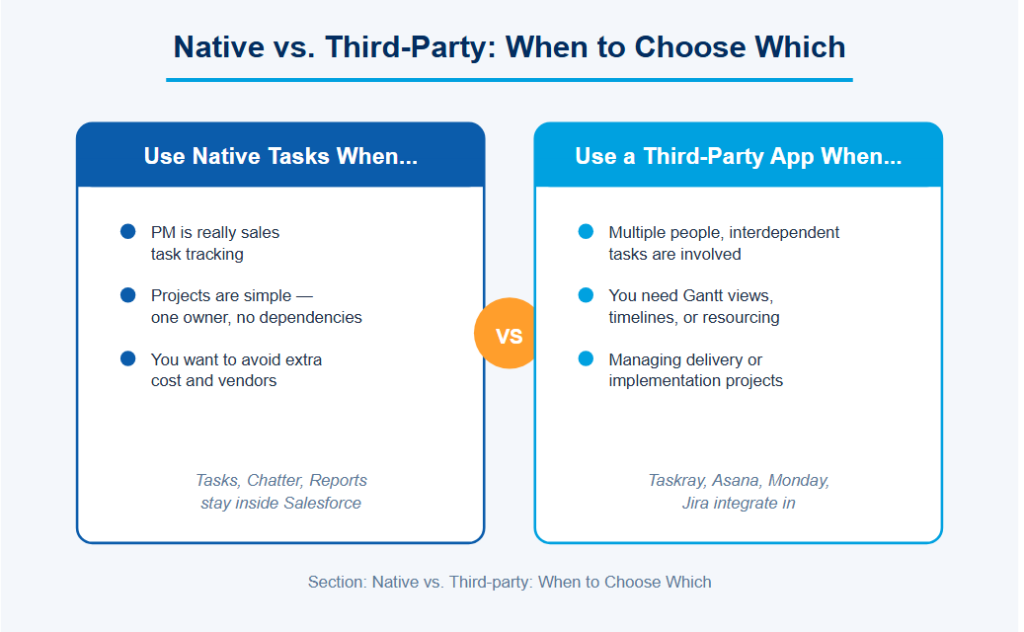
Use Native Salesforce Tasks When:
- You’re using your project management software as task management for your sales process.
- Projects are very basic (1 person responsible, no dependent tasks).
- You don’t want any extra costs and vendors involved.
Use a Third-Party App When:
- Projects involve multiple people with interdependent tasks.
- You require a Gantt view or timelines or resource allocation management features.
- You’re managing delivery/implementation projects related to CRM contacts.
How to Connect Salesforce with External PM Tools
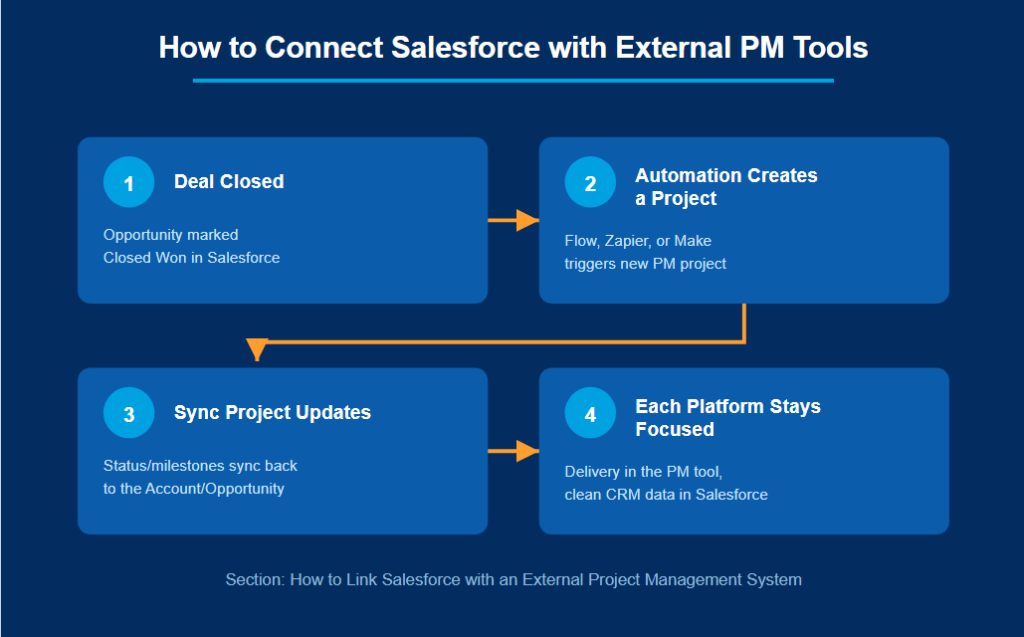
Most frequent integration scenario:
1. Deal Closed
A deal is made in Salesforce.
2. Automation Creates a Project
Triggered by automation (Salesforce Flow, Zapier, or Make), a new project is created in your PM software (Asana, ClickUp, Teamwork).
3. Sync Project Updates
Project status or milestones sync to the corresponding record in Salesforce Account or Opportunity.
4. Keep Each Platform Focused
Delivery of customer faces is organized through the PM tool while CRM data remains clean in Salesforce.
This ensures that the tool works according to its strength while the CRM data works well in Salesforce.
Final Thoughts
Project management within Salesforce will function best when it is first determined exactly what project management means for the particular team. When dealing with sales motions task tracking, Salesforce itself is usually sufficient. However, when it comes to delivery after the sale, implementation management, or any kind of cross-functional projects that need to be linked to your CRM, the use of a native application or an integrated solution is required.