What Are Ahrefs Used For? A Complete Guide to Logging In and Getting Started

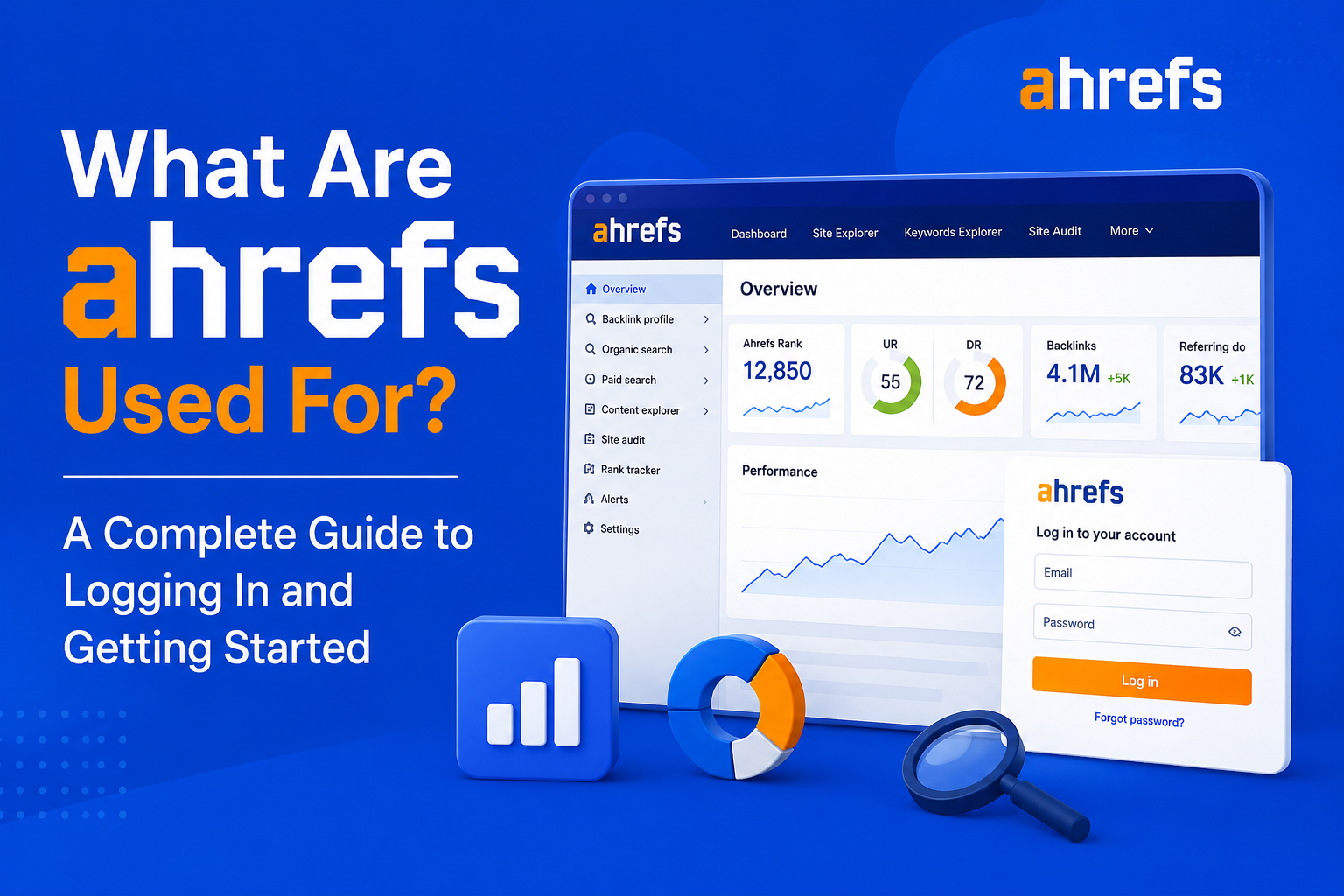
Whether you have just registered with Ahrefs or are thinking about using it, the first thing is quite straightforward. The problem is what you are supposed to do after getting into your account. It is an amazing tool that has a lot of features and knowing the purpose of these tools would help you avoid many months of searching around.
Here is a complete guide on Ahrefs uses, how to access your account, and what to do when you get there.
What Are Ahrefs?
This is an all-in-one SEO tool suite utilized by marketers and businesses to conduct keyword research, perform backlink analysis, do website audits, and track search engine rankings. This is one of the most popular SEO suites in the market, powered by a huge web crawler that indexes billions of webpages and trillions of backlinks.
Essentially, Ahrefs can answer four questions:
- Which keywords should I be targeting?
- Who links to me and my competitors?
- Am I technically sound from a search engine point of view?
- How do my rankings evolve over time?
How to Log In to Ahrefs
Login is easy:
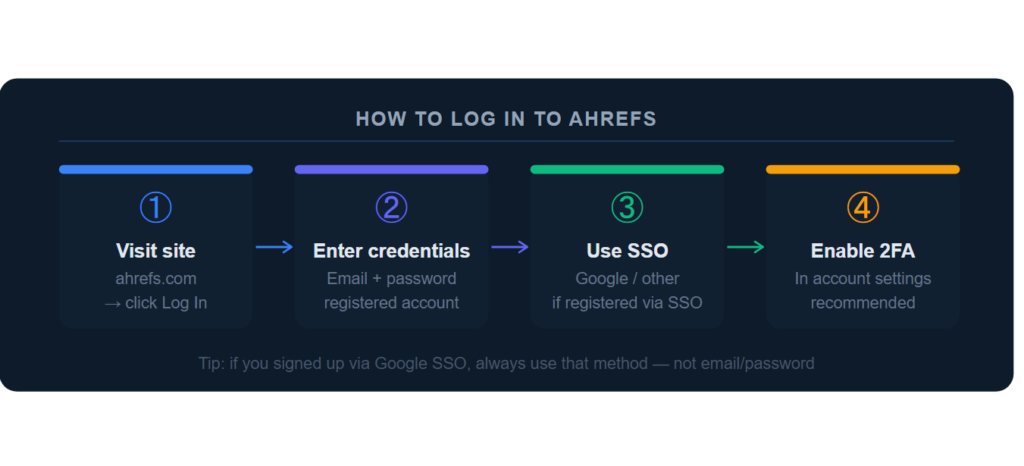
Step 1: Visit the Ahrefs Website
Just visit ahrefs.com and click on “Log In” in the upper-right corner of the page.
Step 2: Enter Your Credentials
Provide the email address and password that are registered to your account.
Step 3: Use Single Sign-On (SSO) if Applicable
For those who registered using Google and others, click on the corresponding link for login rather than email/login.
Step 4: Enable Two-Factor Authentication
Use two-factor authentication within your account settings for increased security (always recommended for any account handling client or business data).
Team and Agency Accounts
When signing into a team or an agency account, you might become a part of it as a member via somebody else’s subscription. This means that you will log in with your own credentials, but your permission level (admin, member, guest) will be determined by the account owner.
What You Can Do With Ahrefs: Core Tools
Once signed in, Ahrefs becomes structured by several core tools. They are as follows:
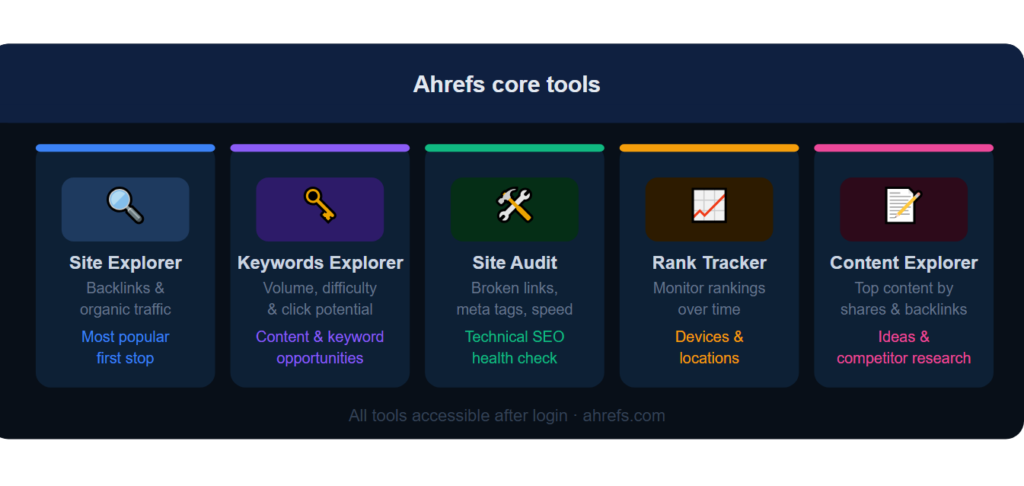
Site Explorer
Any domain or URL (your or competitors’) can be analyzed. You will see its backlinks, referring domains, organic keywords, estimated traffic, and best-performing pages.
This is the tool that most people tend to launch first.
Keywords Explorer
Identify potential keywords to use based on their popularity, keyword difficulty, and chances of getting clicks.
A useful tool for finding content opportunities and discovering the queries your audience is using.
Site Audit
Crawls your own website in order to pinpoint SEO problems, broken links, slow pages, missing meta tags, duplicate content, and other things.
Very important for keeping your website healthy from an SEO perspective.
Rank Tracker
Monitor how well your selected keywords are ranking over time through various places and devices.
Helpful in gauging how much you are making your SEO efforts count.
Content Explorer
Get access to high-ranking content in any niche through social shares, backlinks, and predicted traffic.
Helpful in coming up with content ideas and conducting competitive research.
Getting Started: Your First Steps in Ahrefs
If this is the first time logging into this program, this is what you should concentrate on:
1. Run Your Own Site Through Site Explorer
Get a basic knowledge about your existing backlinks, keywords, and traffic estimates.
These serve as your initial benchmarks to track your progress.
2. Set Up Site Audit on Your Domain
See if there are any critical technical issues which may hamper your SEO activities, broken links, redirects, or crawlability issues.
3. Research 10–20 Target Keywords in Keywords Explorer
Create an initial set of keywords related to your business based on reasonable difficulty and average search volumes.
4. Add Your Priority Keywords to Rank Tracker
Begin tracking your rankings right from day one because you will need the historical data when analyzing your rankings at a later stage.
5. Check Your Top 3 Competitors in Site Explorer
Find out what is working for them, their most successful web pages, sources of backlinks, and the ranking keywords that you don’t have.
Common Login and Access Issues
If you have problems logging in, here are a number of possible remedies:
Forgot Password
Use the “Forgot Password” button at the login screen to get a reset email sent to you.
Account Locked
Too many incorrect login attempts might result in account locking for a while. Wait a little or get in touch with support.
Wrong Login Method
If you registered through Google SSO initially, then you won’t be able to use the password you set up. Try using the matching SSO method instead.
Team Account Access Issues
Check that you were added as a member of the respective account by your account administrator if you cannot log into a team account.
Need Additional Help?
When it comes to recurring log-in problems, the best way to get things resolved is by contacting Ahrefs customer support. Visit their Help Center for either a live chat or ticketing system.
Final Thoughts
Ahrefs is developed to provide all the answers that any SEO approach requires, what should be targeted, who links to your website, is everything working correctly and how are your rankings developing. Log-in is just a step in the right direction and the true power is in using Ahrefs Site Explorer, Keywords Explorer, Site Audit and Rank Tracker tools.