10 Best AI No-Code App Builders in 2026

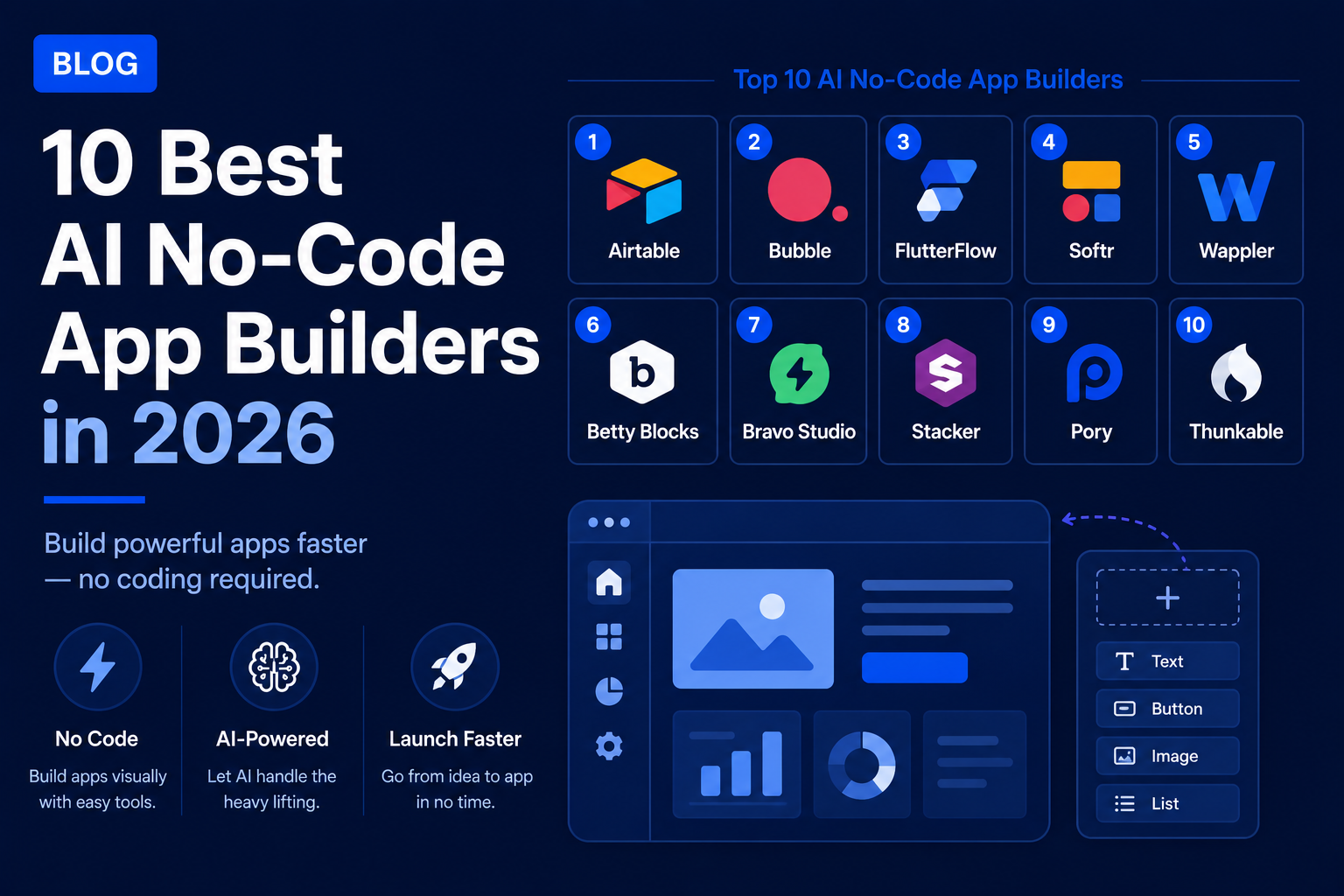
Creating an application meant that you either had to pay for a developer or learn to code in a period of several months back then. In 2026, however, there is a genuinely useful generation of AI-powered no-code app creators which allow you to explain your idea in simple words and receive your application literally within a matter of minutes.
This is a brief description of the tools which deserve attention and what makes each of them better than its competitors.
1. Lovable
Overview:
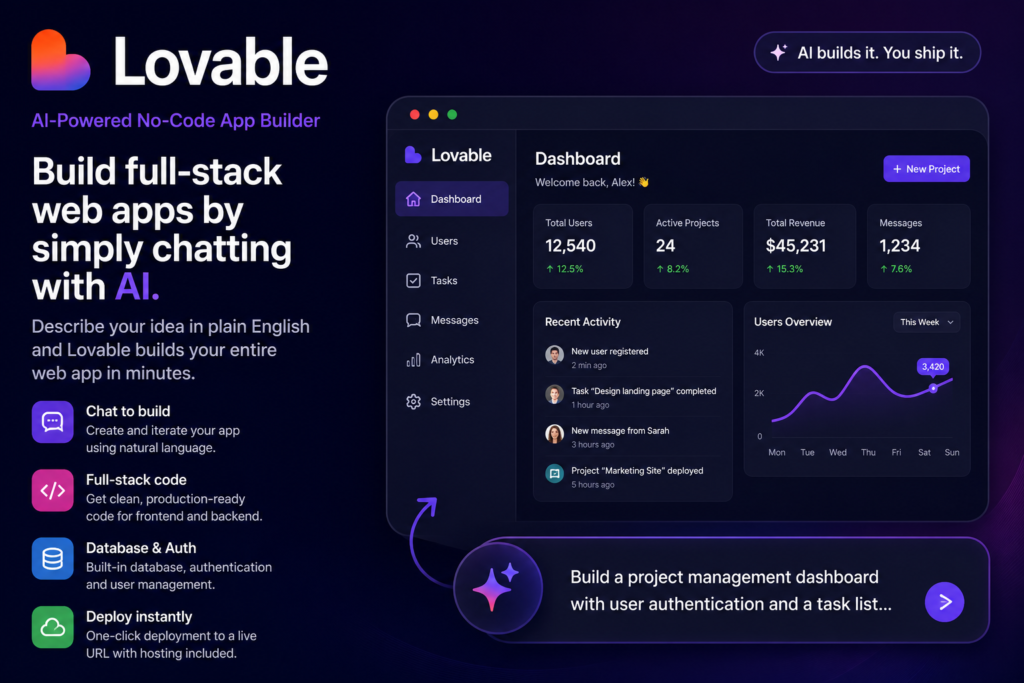
Lovable is a chat interface-based platform, meaning that instead of placing components on a visual workspace, one communicates what one wants done, and the entire web application is created for you.
Iteration is done in a similar way, meaning that rather than making manual changes, one just tells Lovable what needs to be changed.
Why It Stands Out
Conversational interface makes it one of the most approachable frameworks among those discussed here in terms of usage by people who do not have any programming background and even by first-time application developers.
Code Generation
The way it works is that unlike most other software, the code created by Lovable is actually usable code for your frontend and backend, which may be useful if at some point down the line you need more control.
Best Use Cases
It is primarily used for creating MVPs and internal applications but has found use cases in building consumer-facing web apps due to the rise in the quality of the content generated by this tool.
Limitation
The key drawback is that, just like all other products from this class, Lovable produces web applications and not native mobile applications for distribution on the App Store or Google Play.
2. Bubble
Overview
The tool has been around longer than the latest crop of AI-driven application creators and is still one of the most robust solutions to come out of the no-code industry.
Visual Programming System
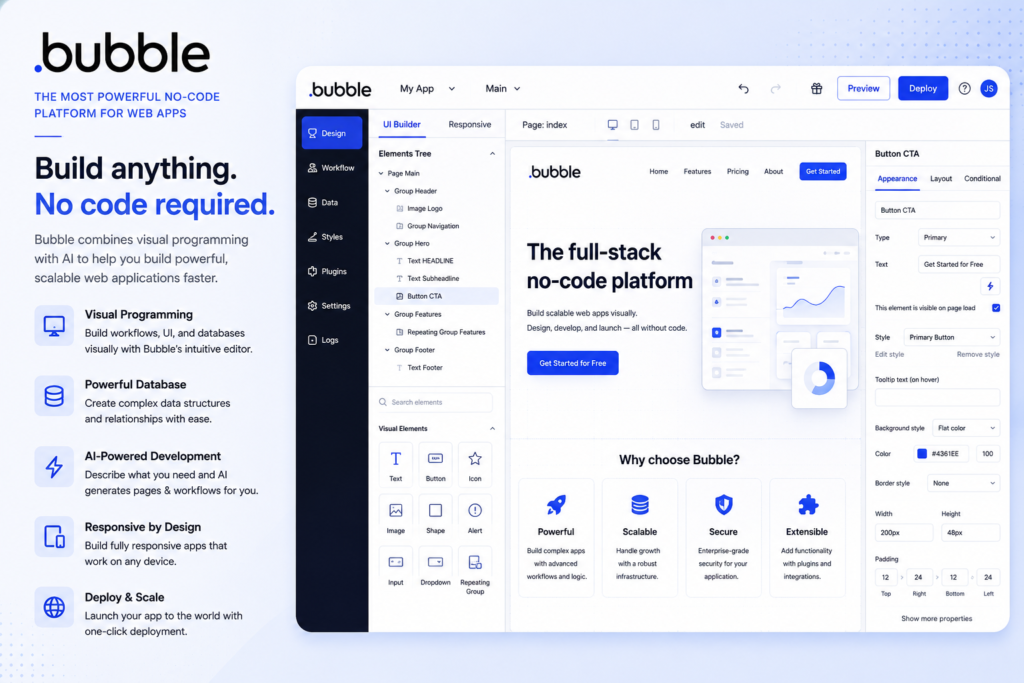
At its core, Bubble consists of a visual coding solution, you will not write code but visually link workflows, database architecture, and user interface elements to develop your apps, offering a high degree of power and complexity not easily achievable by other systems built on prompt-only solutions.
AI Features
What’s new now is that Bubble has added AI generation on top of their already established system, where you can simply describe the page or the workflow and the AI will create a structure for you to work with through their regular visual interface.
Best Fit
Bubble, with this new feature of theirs, becomes the perfect choice for those who need fast development but don’t want to lose the ability of customization offered by Bubble for a long time.
Limitation
The drawback of Bubble is the steeper learning curve compared to purely conversational systems like Lovable; Bubble still requires users to learn the logic behind their visual interface.
3. Base44
Overview
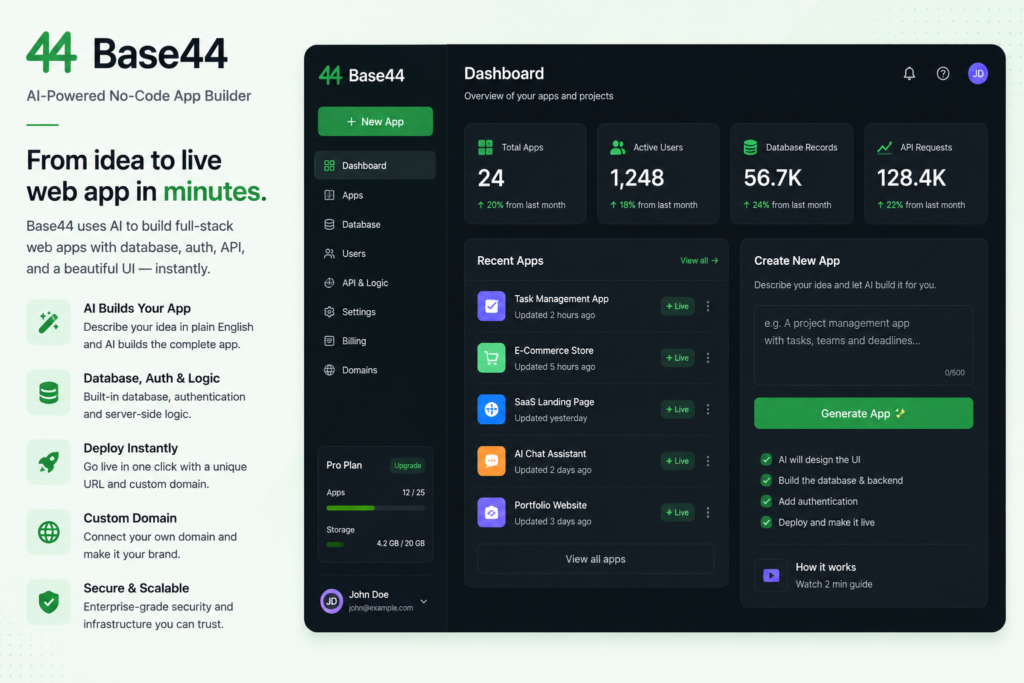
Base44 is a tool that turns natural language inputs into fully working web applications, complete with backend logic, database, and user authentication all automatically built during the process of generation.
What It Generates
You just describe what product you wish to make in normal language and the platform builds the required pages, models, business logic, integrations, and then deploys the resulting application to a live URL with hosting and domain customization features already available.
Best Use Cases
Such a feature set gives Base44 a special advantage for founders who would like to transform their concept into a functional product without configuring hosting, database, and authentication services separately.
It is perfect for MVPs and mid-level complexity SaaS products.
Limitation
This is the case because most tools of this kind require you to iterate through several cycles in which you improve your application with additional prompts. Furthermore, this technology is limited in that it only develops web applications and not native applications for mobile phones.
4. Replit
Overview
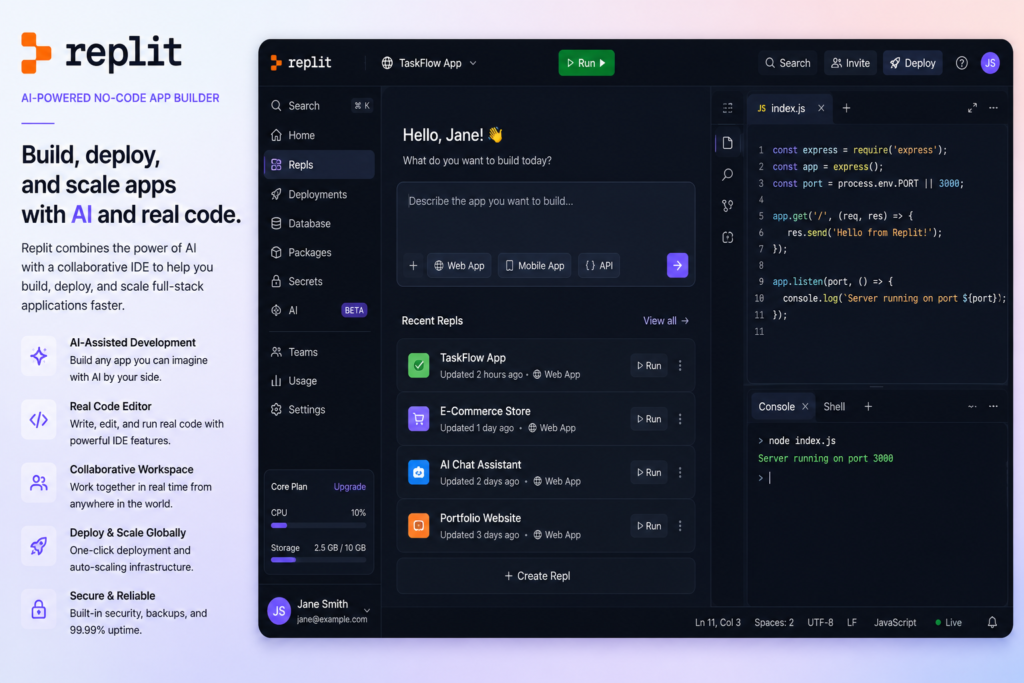
However, Replit stands apart from other products in its class due to the fact that it is the best AI app builder when it comes to scaling up your product into an enterprise-level product.
Enterprise Focus
It mixes AI generation akin to no-code tools with an actual development environment running underneath it, allowing technically-inclined users a way to dive into code when their project becomes too complex to manage just by using prompts.
Best Fit
Replit would thus be the best choice for organizations that expect to scale past a simplistic AI generated app rather quickly, startups who expect to see actual use, or teams developing projects more complicated than a mere CRUD app.
Limitation
The ability to switch back and forth between AI-generated scaffolding and coding is the biggest point where Replit differs from other no-code, prompt-only competition, but that same capability makes Replit marginally harder to pick up for technically unsophisticated users than something entirely conversational like Lovable or Base44.
5. Bolt.new
Overview
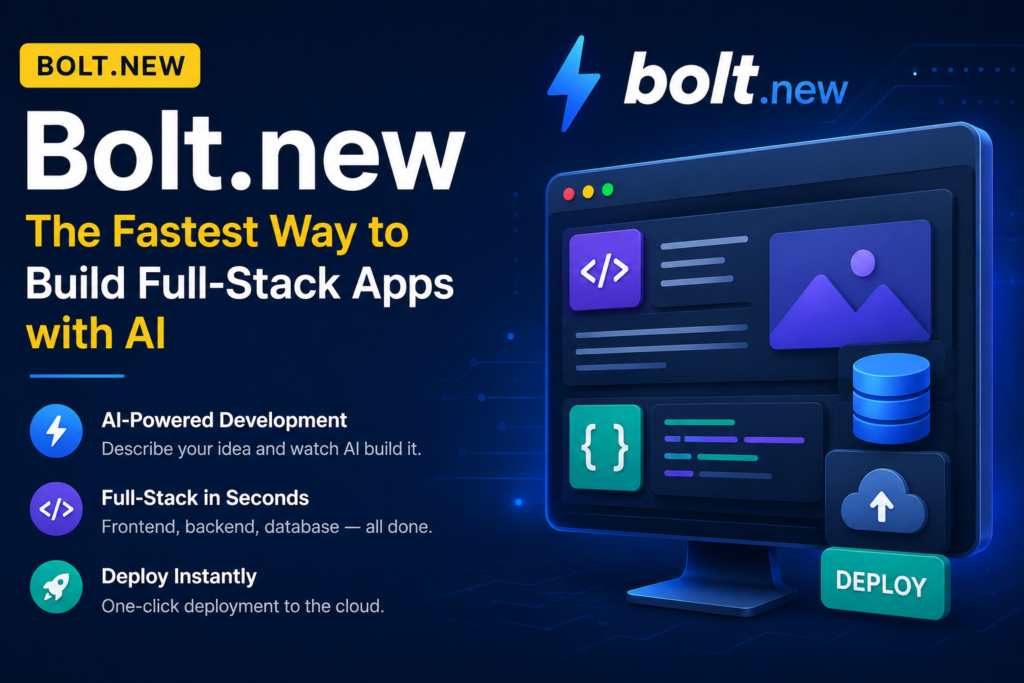
“bolt.new” is often suggested for developers and builders with technical skills who desire AI-generated apps while still having full control over their code.
Code Accessibility
As with most other prompt-based tools, you tell “bolt.new” what app you want, and it will create it for you, however, the generated code will be much easier to edit compared to some other visual “no-code” tools.
Best Fit
It makes “bolt.new” a perfect compromise between “no-code” systems and conventional development tools for people who want fast AI code generation but still plan to start editing the code at some stage of the project creation process.
Limitation
Like any other tool that falls under this class, the output will be web-based and not a native mobile app.
6. Jotform AI App Builder
Overview
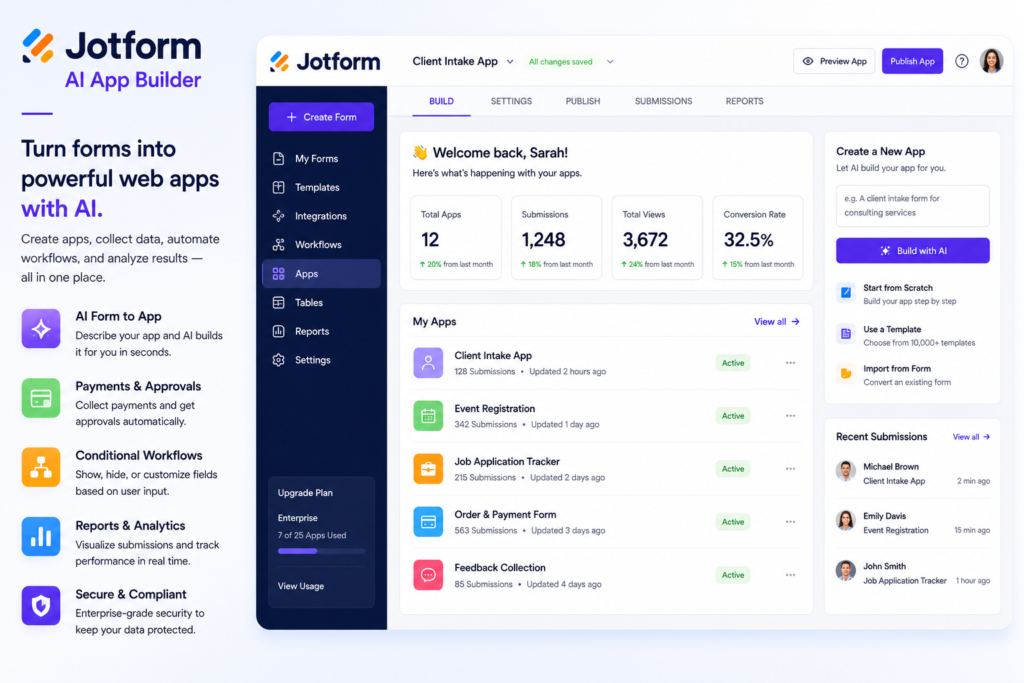
Unlike other similar tools which focus on building consumer products or MVPs, Jotform’s AI App Builder focuses only on creating practical business applications.
Common Applications
- Forms
- Workflows
- Booking
- Client portals
- Service request apps
- Operational apps
How It Works
Teams specify what sort of application they require, and the platform creates a useful business application that revolves around forms, collecting information, and workflow, considering the nature of Jotform as a forms platform.
Best Fit
As such, this is an especially useful solution for operations and support managers who wish to create a digital version of some existing process inside the company in question, rather than developing something new for external users.
Limitation
Not ideal for more sophisticated, customizable SaaS products and applications that need unusual business logic beyond what is supported by its form and workflow capabilities.
7. Adalo
Overview
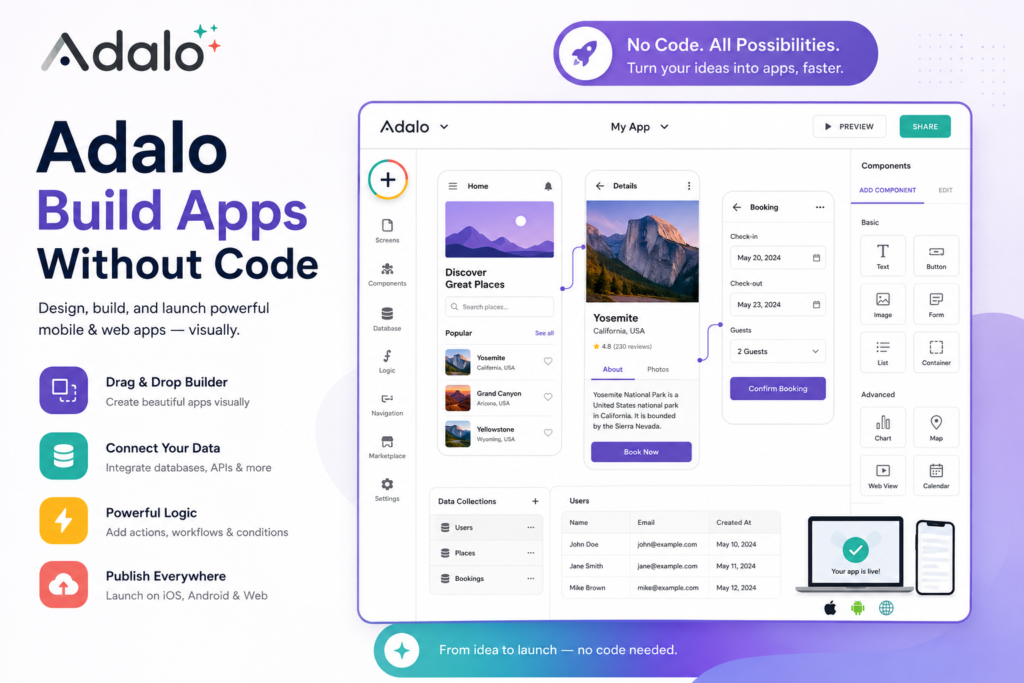
Adalo specializes in the creation of simple, native mobile applications through its drag-and-drop visual editor interface.
Features
- Design screens
- Connect data sources
- Setup workflows
- View preview of application
- AI assistance in design and workflows
Best Fit
Adalo is especially good for:
- Mobile directories
- Reservation apps
- Community apps
- Service apps
- MVP at the early stages
Limitation
Adalo should not be used for large systems, complex SaaS solutions, and applications with complicated data flows.
8. FlutterFlow
Overview
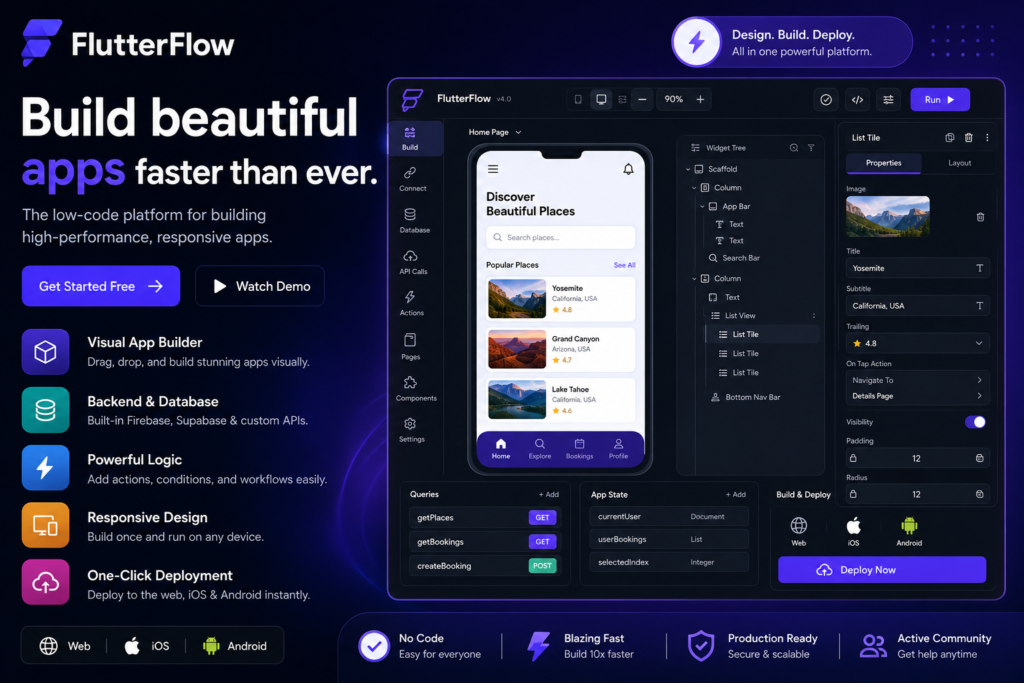
With FlutterFlow, you can describe your application or a particular screen that you want, and then its AI will create all screens, widgets, and database structures for you.
Key Advantage
These created components are presented in a fully-editable form in FlutterFlow’s visual editor, unlike in a black box.
Native Development
Since FlutterFlow is based on Flutter, it creates real, exportable, native code.
Best Fit
It is very attractive for teams and developers who seek fast development with AI and don’t wish to lose their independence in development.
9. Airtable (Omni)
Overview
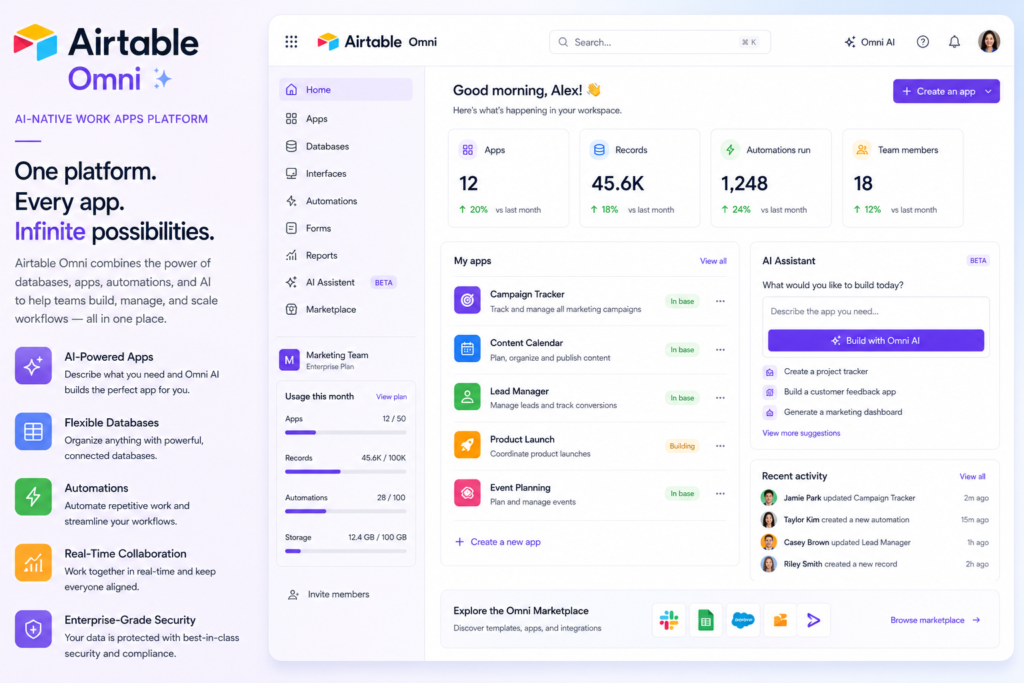
The Airtable application building platform, called Omni, differs from other AI applications here in that it begins with an entirely different premise.
How It Works
Whereas the majority of other platforms begin with a blank slate, this one enables users to build custom interfaces, automation and AI agents from the data already managed in Airtable through conversational design.
Best Fit
It is especially useful for organizations which are using Airtable to manage their operational data.
Enterprise Features
- Many options for AI model providers
- Enterprise-level security
- Data governance capabilities
10. Hostinger Horizons
Overview
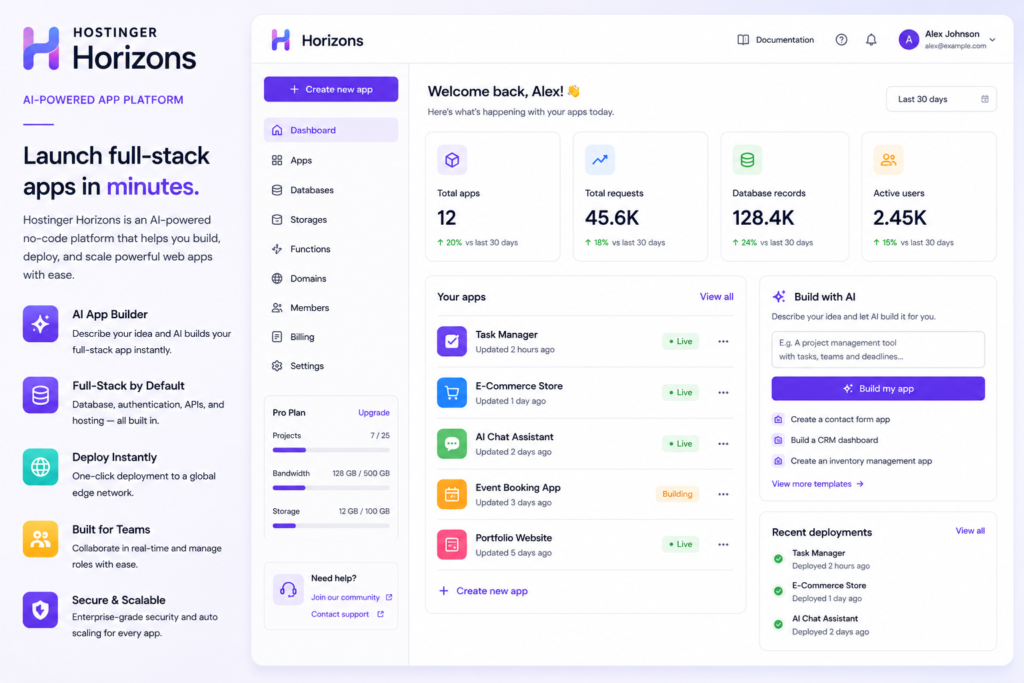
Hostinger Horizons has been created with the intent of being an all-inclusive package for startups and SMEs.
What It Includes
- AI-powered application creation
- Hosting
- Backend
- Credit-based pricing system
Best Fit
This lets non-technical founders transition from an idea to a live product without having to coordinate with multiple providers.
Limitation
Speed of deployment, not customization or complexity, is the goal here.
How These Platforms Differ from Older No-Code Tools
The primary difference between previous generations of no-code builders and modern AI app builders is that while previous tools required you to create the entire logic of an application using only a graphical interface, modern AI tools create a working application based on conversations and prompts, usually producing exportable and inspectable code in the process.
Multi-modal inputs, previews, and chat-based editors are now a given rather than a luxury.
How to Choose the Right One for Your Project
- For non-developers wanting the fastest path to a working web app: Lovable or Base44
- For complex, database-heavy web applications needing deep customization: Bubble
- For practical internal business tools like forms, approvals, and portals: Jotform AI App Builder
- For native mobile apps meant for app store publishing: Adalo or FlutterFlow
- For teams wanting more direct code control alongside AI generation: Bolt.new or Replit
- For organizations already built around structured data in Airtable: Omni
- For startups wanting an all-in-one, predictably priced setup: Hostinger Horizons
Things to Check Before Committing to a Platform
- Is it capable of publishing apps exclusively to the web, or does it really allow publishing to the Apple App Store and Google Play
- The actual cost when you consider the usage of credits, potential overage, and possible integration with other services, and not just the initial cost
- If it allows code export, just in case you decide to move away from the platform at some point, or pass your project on to a developer
- Performance on an actual project, and not just on an introductory sample project
Bottom Line
By 2026, AI-powered no-code app makers have evolved sufficiently such that selecting one depends not on its viability but rather how well it aligns with your needs in terms of publishing on mobile devices, processing complicated data, streamlining business processes, and even writing of code.